14 Battle Ax Skid Loader OM
NOTE: The hydraulic hose quick couplers shown above
are not supplied with the Battle Ax.
Install the Battle Ax quick couplers to the loader.
NOTE: The case drain quick coupler (1) of the Battle
Ax must be connected to the loader’s auxiliary
hydraulic system for proper operation of the
Battle Ax.
Checking Rotor Rotation
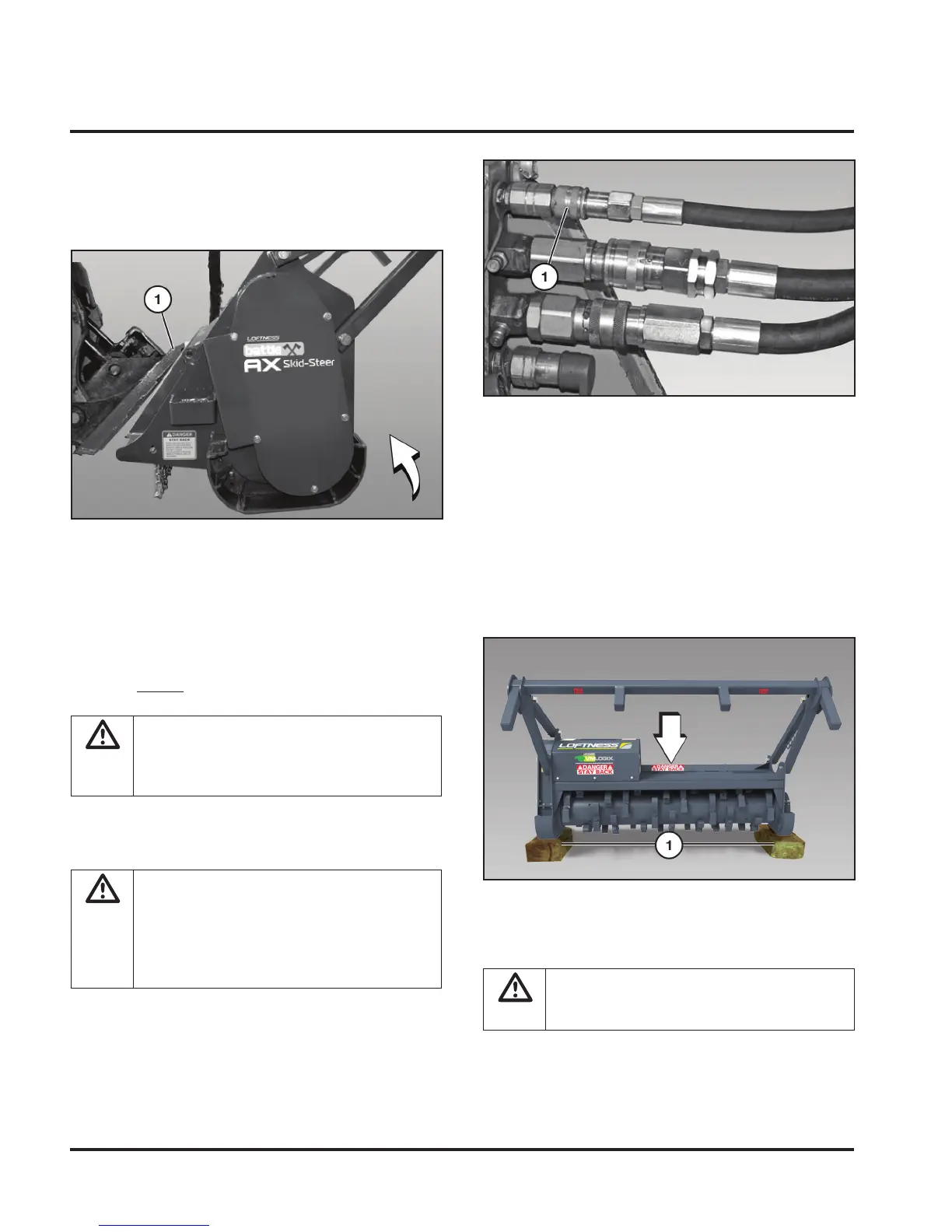
Raise the Battle Ax off the ground and place blocks (1)
underneath the skids. Lower the Battle Ax down on the
blocks.
DANGER:
Keep hands, feet, and clothing
clear of belts, sheaves, and rotor while loader
is running.
(Procedure continued on following page.)
Installing the Battle Ax to the Loader
Fully raise the attachment-locking levers on the loader
mounting plate.
Tilt the loader mounting plate ahead. Drive forward with
the loader and hook the top edge of the loader mounting
plate under the top flange (1) on the Battle Ax mounting
plate. Be careful not to damage the locking levers on the
loader mounting plate.
Tilt the loader mounting plate back until the Battle Ax
mounting plate is firmly against the loader mounting
plate, but Do Not lift the attachment off the ground.
WARNING: Before you leave the operator’s
seat: Lower the lift arms, put the attachment
on the ground. Stop engine and remove
ignition key. Engage the parking brake.
Fully lower the attachment-locking levers on the loader
mounting plate.
WARNING: Locking-wedge pins must extend
through the holes in attachment-mounting
plate. Levers must be fully down in the locked
over-center position. Failure to secure wedge
pins can allow attachment to come off,
causing serious injury or death.
Set-up Instructions


 To Next Page