12
PAIRING THE CONSOLE WITH THE WIRELESS 7-IN-1 SENSOR
DATA CLEARING
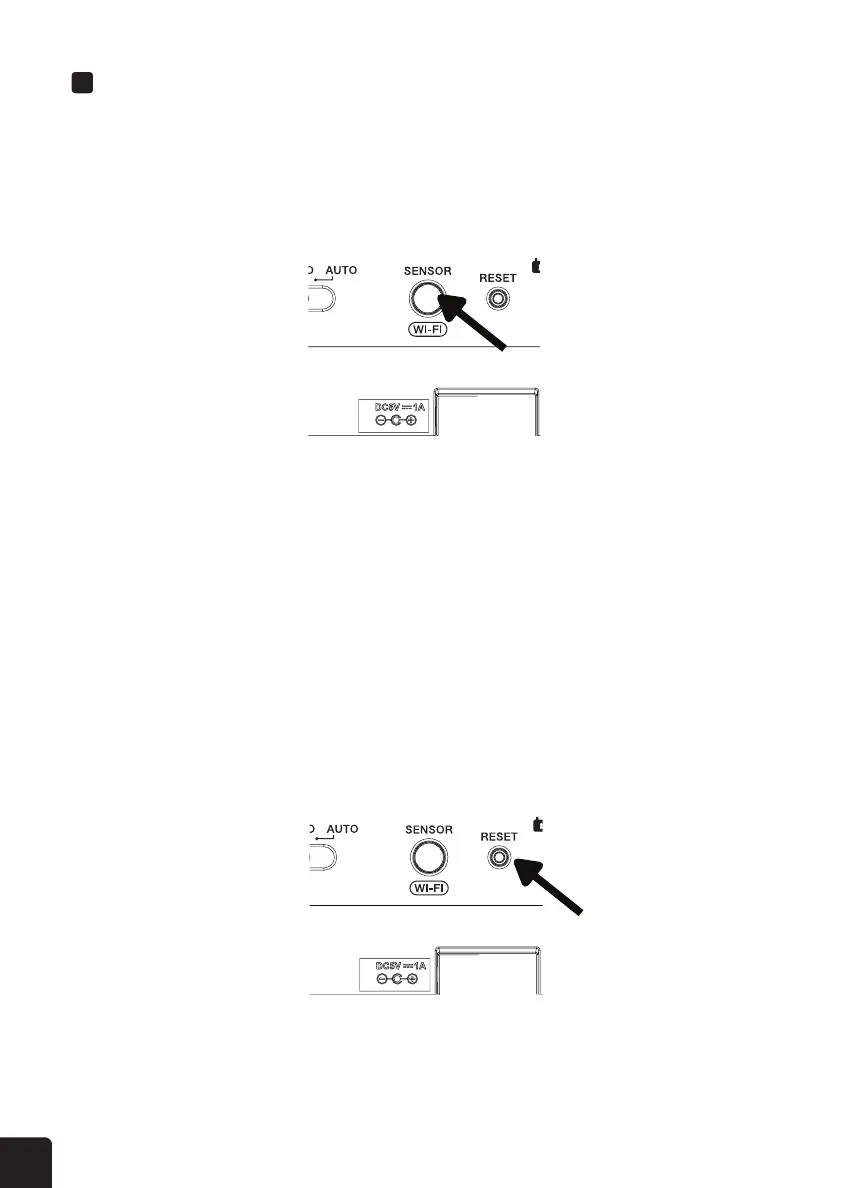
Sensors within the 7-in-1 outdoor sensor may activate incorrectly during installation. Press the
RESET button once to restart the console and clear all erroneous data.
1. Once your display console powers on, it should automatically enter AP mode and search for the
wireless weather sensor. If the console does not connect within the rst 15 minutes, press the
SENSOR/WIFI button to manually pair the sensor and console.
2. Once the pairing process is complete, the antenna icon will appear blinking and the readings for
outdoor temperature, humidity, wind speed, wind direction, UV, light intensity, and rainfall will
appear in their designated sections of the LCD display.



 To Next Page