EasyManua.ls Logo

Logia LOWSC7110FWB8 - DISPLAY CONSOLE SETUP

Logia LOWSC7110FWB8
54 pages
Print Icon
To Next Page IconTo Next Page
To Previous Page IconTo Previous Page
Loading...
11
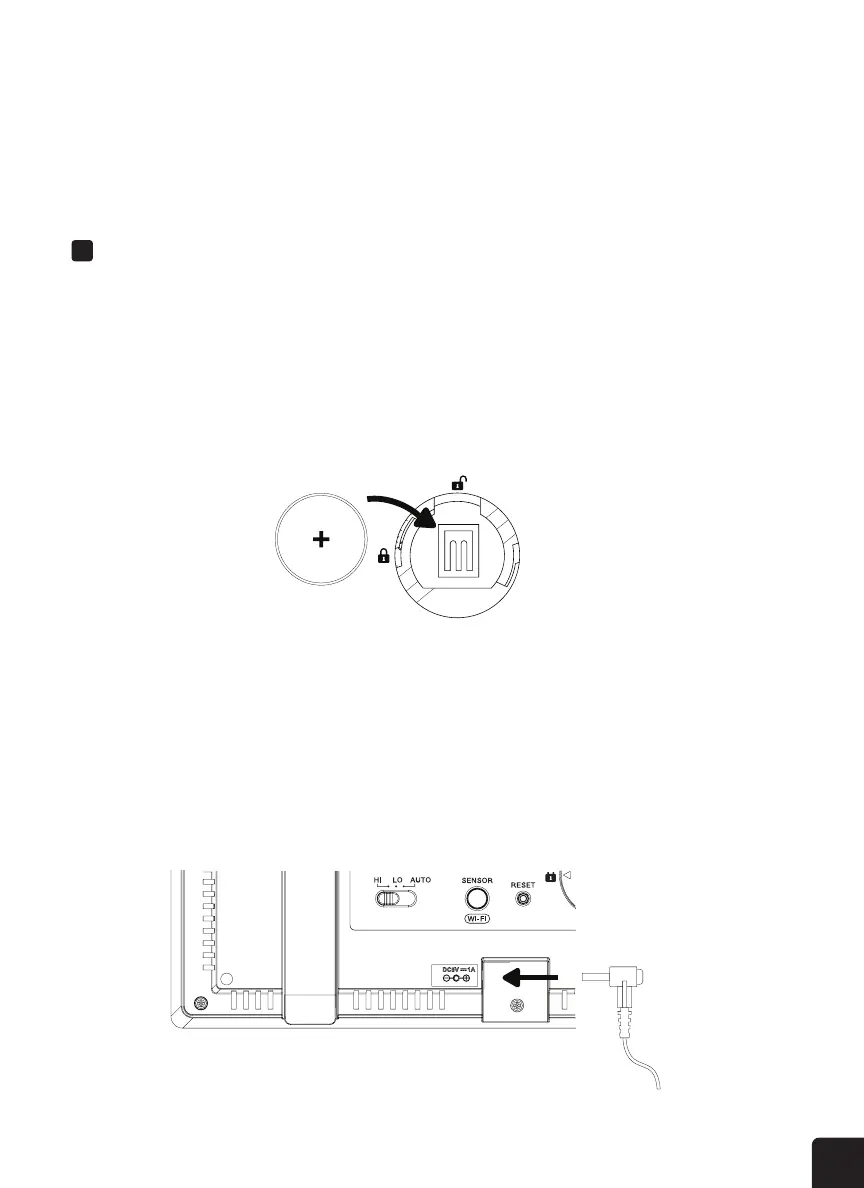
POWERING UP THE CONSOLE
1. Remove the battery door on the back of the console.
2. Insert a CR2032 battery (included) into the compartment.
3. Place the battery door back onto the compartment and twist it in place.

1. Connect the power adapter (included) to the console.
2. Plug the other end of the power adapter into a power outlet to turn on the console.


2. Set hemisphere to South in the Time & Date settings. (Please refer to section for setup details)




SETTING UP THE DISPLAY CONSOLE

Related product manuals