41
Account
Edit Devices
Dashboard
Unit & Display
Alert Setting
Help
FAQ
Weather Server
Data Export
Log Out
CREATE YOUR PWL ACCOUNT
The console can upload/download weather data to ProWeatherLive (PWL) through a Wi- router,
follow the steps below to set up your account and connection.
CREATE PWL ACCOUNT & SET UP WI-FI
®
CONNECTION
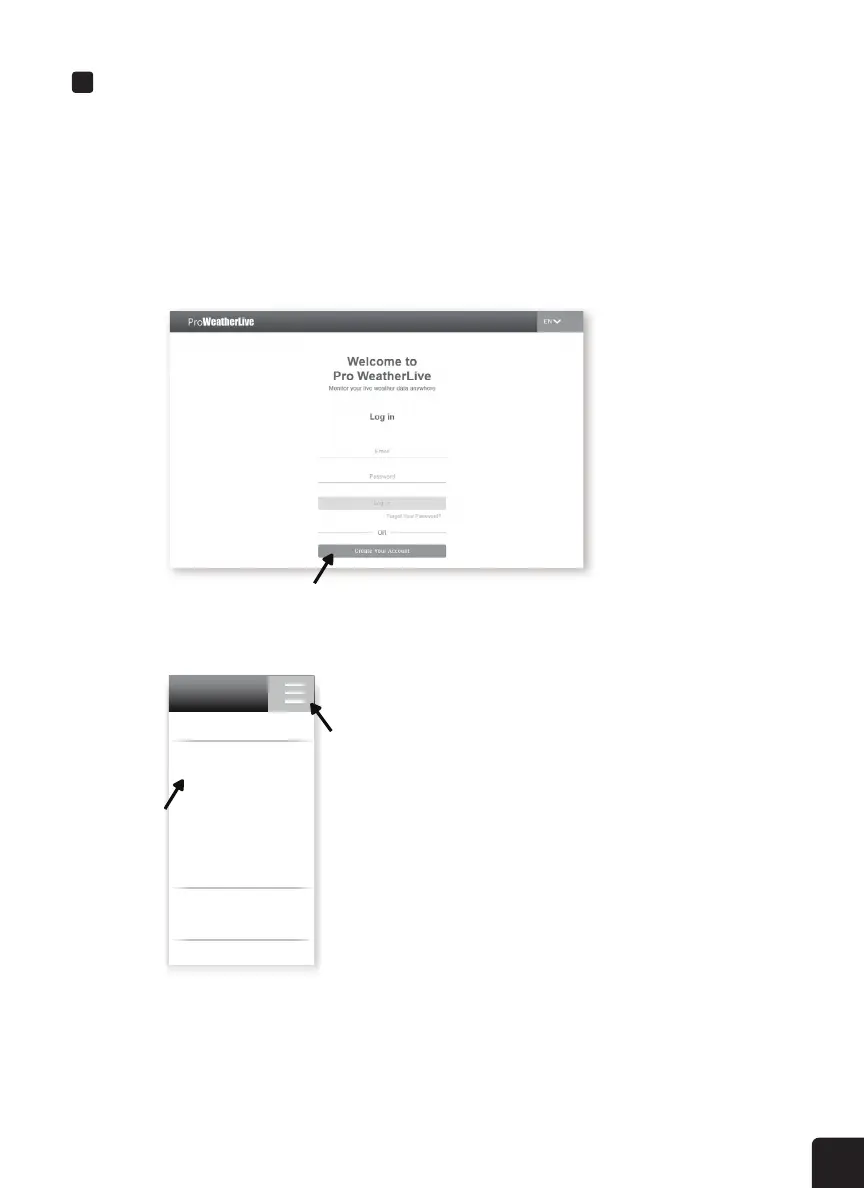
1. Visit the ProWeatherLive website at https://www.proweatherlive.net and click the “Create
Your Account”. Follow the instructions to create an account.
2. Once your account is created, sign into it, and then click “Edit Devices” in the drop-down
menu to add a new device.
STEP 1
STEP 2



 To Next Page