EasyManua.ls Logo

Logic Controls LR1100 - User Manual

Logic Controls LR1100
23 pages
Print Icon
To Next Page IconTo Next Page
Loading...
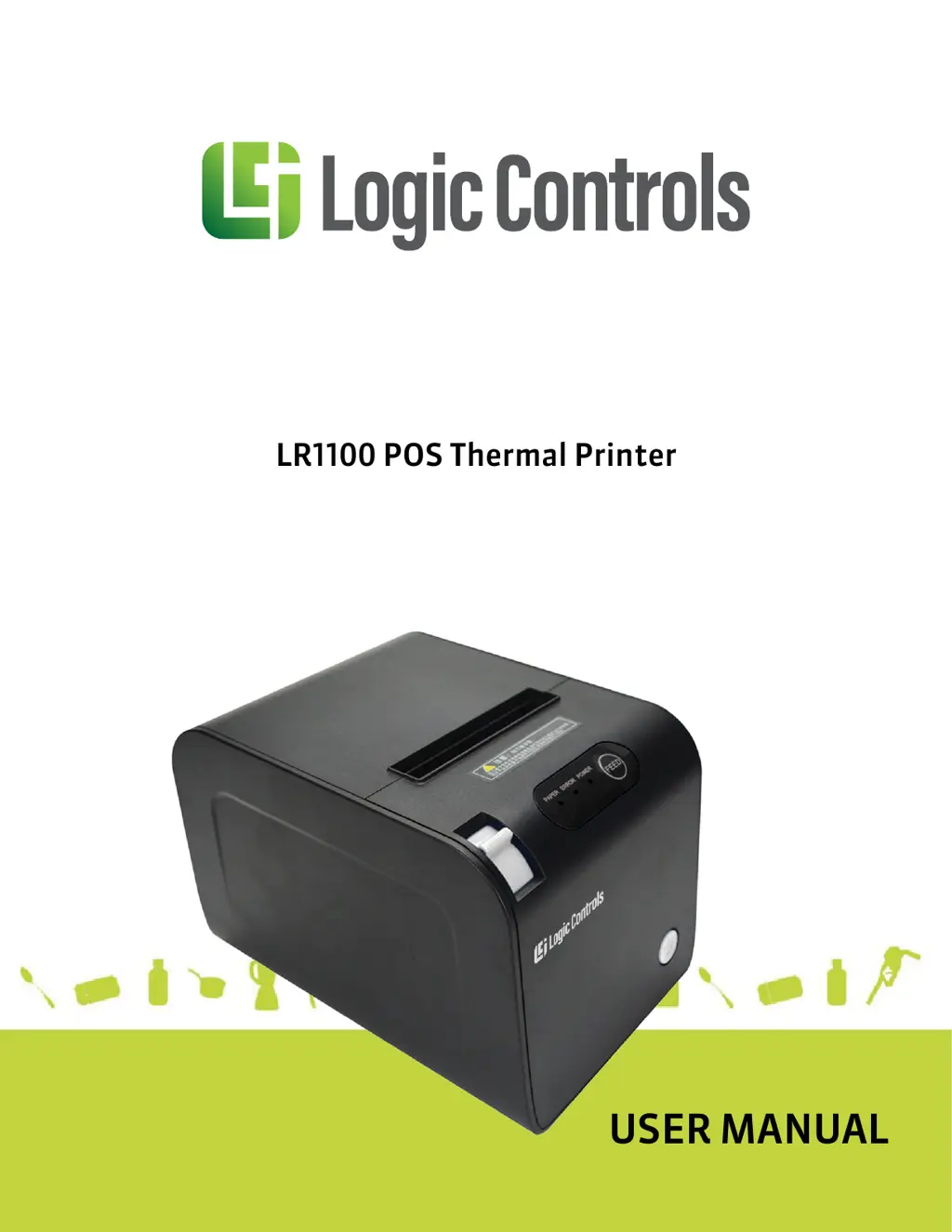
LR1100 POS Thermal Printer
USER MANUAL

Questions and Answers

Summary

Introduction to Logic Controls LR1100 Printer

Safety Information for Printer Usage

Provides essential safety guidelines and precautions for operating the LR1100 POS thermal printer to prevent hazards.

Electromagnetic Compatibility Statement

Details compliance with FCC Rules and European Community directives regarding electromagnetic interference.

Overview of the LR1100 POS Thermal Printer

Key Features of the LR1100 Printer

Highlights the main capabilities of the LR1100, including printing speed, quality, and connectivity options.

LR1100 I;O Connectors

Describes the external input/output connectors available on the rear panel of the printer.

Installation Guide for LR1100 Printer

Connecting Printer to Computer or POS Terminal

Step-by-step instructions for connecting the printer via USB or Ethernet interfaces.

Connecting to Cash Drawer

Guidance on connecting a compatible cash drawer to the printer's dedicated port.

Connecting the Printer to Power

Instructions for safely connecting the printer to a power source using the provided adapter.

Loading and Replacing Paper Roll

Detailed steps for correctly installing and changing the thermal paper roll.

Ethernet IP Setup for LR1100 E

Configuration steps for setting up the IP address for the LR1100E Ethernet printer.

USB Interface Driver Installation

Procedure for installing the printer driver for USB interface connection.

Serial Interface Driver Installation

Procedure for installing the printer driver for Serial interface connection.

Ethernet Interface Driver Installation

Procedure for installing the printer driver for Ethernet interface connection.

Operations of the LR1100 POS Thermal Printer

Printer Control Panel Overview

Explanation of the printer's control panel buttons and indicator lights.

Setting Printer Mode

Information on configuring the printer's operational mode via utility software.

Self-Checking Function

Procedure to perform a self-check for diagnosing printer operational status.

Preventive Maintenance

Recommendations for routine maintenance to ensure printer longevity and performance.

Fixing Paper Jam

Step-by-step guide to resolve paper jam issues in the printer.

Connector Pinouts for LR1100 Printer

USB Connector (Type B) Pinout

Diagram and pin assignments for the USB Type B connector.

Serial Connector (DB9 F) Pinout

Diagram and pin assignments for the DB9F serial connector.

Ethernet Connector (RJ45) Pinout

Diagram and pin assignments for the RJ45 Ethernet connector.

Cash Drawer Connector (RJ11) Pinout

Diagram and pin assignments for the RJ11 cash drawer connector.

Troubleshooting Common Printer Issues

Printer Does Not Turn On

Troubleshooting steps for when the printer fails to power on.

Printer Does Not Respond to Commands

Solutions for issues where the printer does not accept or process commands.

Communication Faulty

Diagnosing and resolving communication errors between the printer and host.

Error LEDs Are On

Interpreting error indicator lights and their meanings.

Poor Printing Quality

Steps to improve printing quality, including cleaning the print head.

Paper Jam Troubleshooting

Instructions for clearing paper jams and preventing future occurrences.

Blocked Cutter Blade

Resolving issues related to the automatic cutter blade being blocked.

Printer On But Not Printing

Troubleshooting steps for when the printer is powered on but does not print.

Specifications of the LR1100 POS Thermal Printer

Logic Controls LR1100 Specifications

General IconGeneral
BrandLogic Controls
ModelLR1100
CategoryPrinter
LanguageEnglish