Need help?
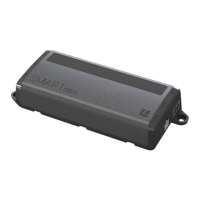
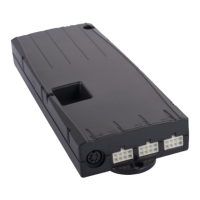
Do you have a question about the LOGICDATA SMARTneo-2-YYY-US and is the answer not in the manual?
Lists essential safety rules and obligations for product operation.
Identifies potential residual hazards and safety considerations.
Specifies the qualifications required for personnel performing installation and maintenance.
Steps and checks for safely connecting the main power supply cable.
Procedure for moving the table top to the desired height positions.
Instructions on how to save current table top positions into memory.
Procedure to recall saved table top positions using memory buttons.
Step-by-step guide for performing a manual system reset.
Details the LOGICDATA Intelligent System Protection (ISP) collision avoidance system.
A troubleshooting guide for common problems and their corresponding remedies.
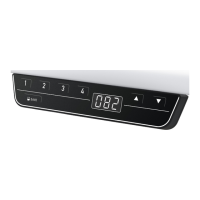
Explanation of various error messages displayed on the hand control unit.
 General
| Model | SMARTneo-2-YYY-US |
|---|---|
| Type | Controller |
| Input Voltage | 100-240 VAC |
| Protection Class | IP20 |
| Storage Temperature | -20°C to 60°C |


 To Next Page