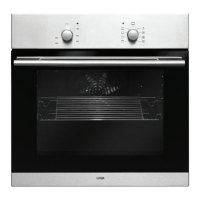
10
Using the Controls
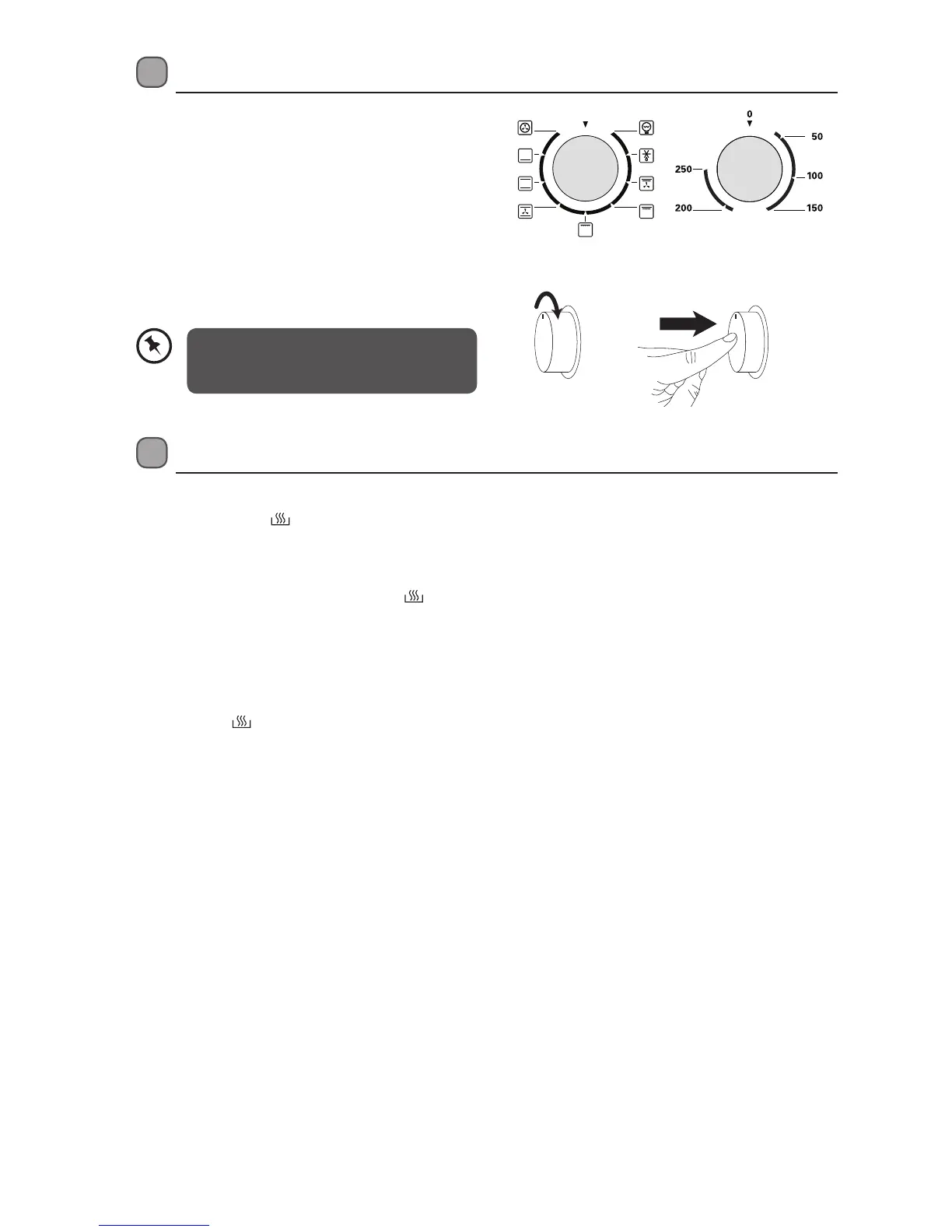
The oven can be warmed up using the bottom and
top heaters, as well as the grill. Operation of the oven
is controlled by the oven Function Control knob and
the temperature regulator Thermostat Control knob
as well.
Press the Function Control and Temperature
Control knobs to pop them out. Turn the knobs to
select the function and/or temperature.
To stop the oven, turn both knobs to “0”.
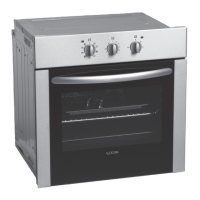
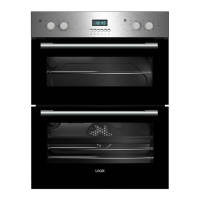
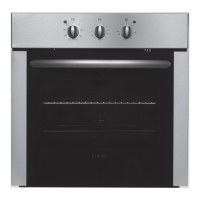
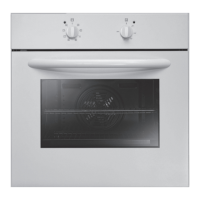
* All images are for indication only; please refer to your individual unit for actual item.
Function Control Thermostat Control
The oven has a cooling fan that will
operate automatically to keep the door’s
glass cool.
Oven On and O
In order to switch on the oven, ensure you have selected Manual mode by pressing the MODE button for 3
seconds or more. The
will illuminate on the display and you will be able to use the oven.
1. Set the required cooking mode by turning the Function Control knob.
2. Set the required temperature by turning the Thermostat Control knob. Both the function indicator and
thermostat indicator will light up, and
icon (always lit when the appliance is connected to the power
supply) will be displayed on the screen. The oven will begin warming up.
3. After cooking, turn the Thermostat Control knob and the Function Control knob to the “0” position.
The thermostat indicator will turn off.
4. Press the MODE and + buttons for 3 seconds or more to return to Standby mode (oven controls do not
work and
is no longer illuminated on the LED display).
LBMULB13_IB_130620_chris.indd 10 20/6/13 11:41 AM


 To Next Page