17
Ensure that the oven is switched off from the mains socket before replacing the lamp to avoid the
possibility of electric shock.
Replacement of the Oven Lamp
Door Removal
It is possible to remove the door. Follow the steps below to remove the door. This may be required if easier access
to the cavity is needed or if you wish to clean the door parts.
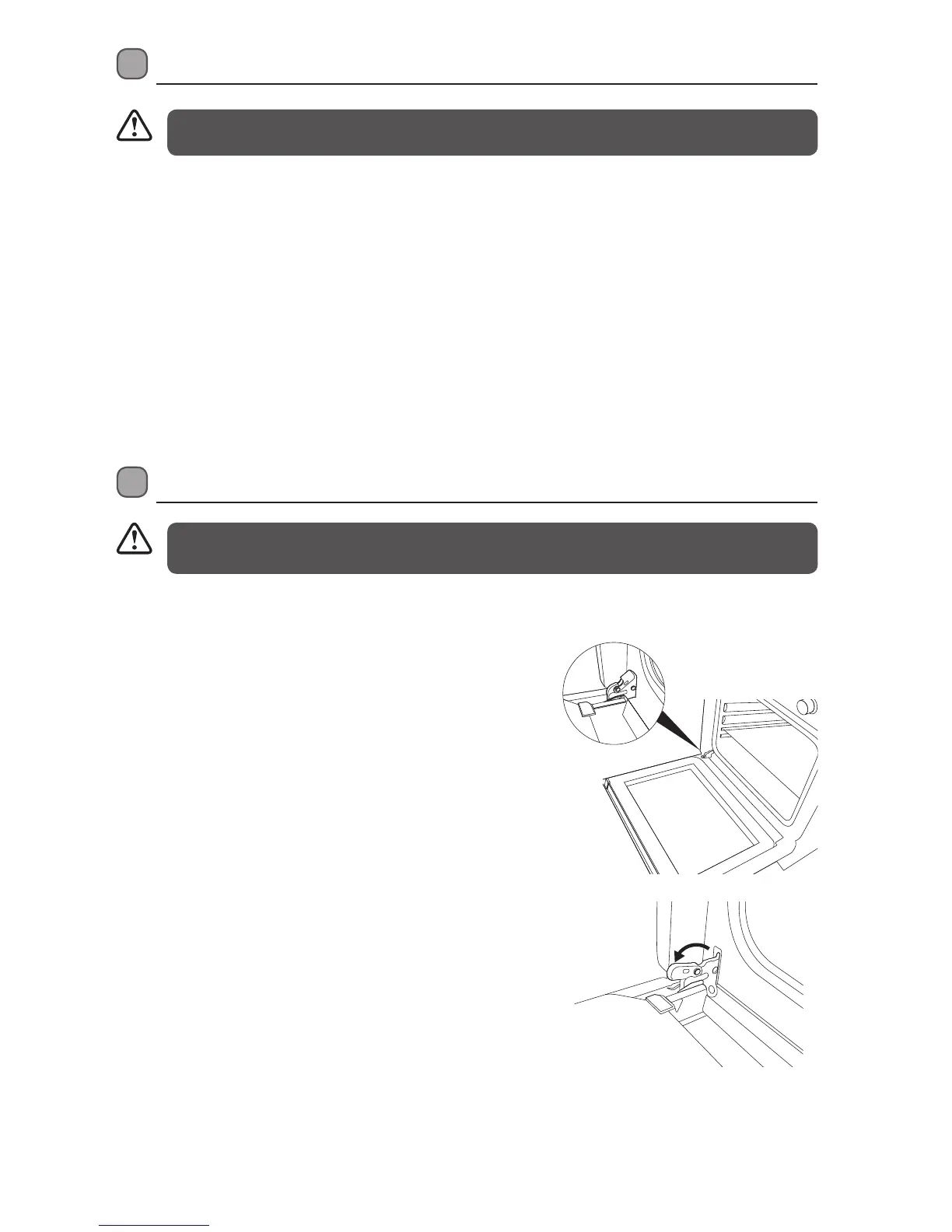
1. Open the door completely.
2. The swivel retainers of the right hand and left hand
hinges are hooked onto the metal bar above them.
Lift the retainers as shown.
• Ensure the oven doors is completely cool before removing.
• Take care when handling glass.
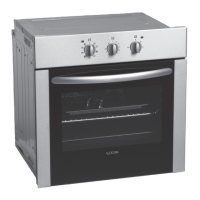
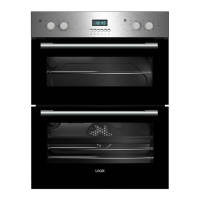
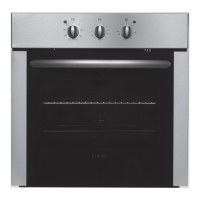
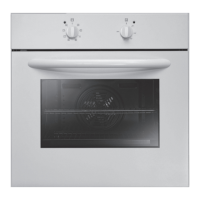
* All images are for indication only; please refer to your individual unit for actual item.
• Set all control knobs to the ”0” position.
• Allow the oven to completely cool down.
• Turn the lamp cover anti-clockwise to unscrew.
• Turn the lamp anti-clockwise to unscrew the lamp from the socket, replace the lamp with a new one that is a
high temperature lamp (300°C ) with the following parameters:
– Voltage 240V
– Power 25W
– Thread E14
• Screw the lamp in, making sure it is properly inserted.
• Screw in the lamp cover.
LBMULB13_IB_130620_chris.indd 17 20/6/13 11:41 AM


 To Next Page