9
Connecting to the Mains
When you first connect the oven to the mains supply, the unit will be in Standby Mode. In Standby Mode, the
clock will blink but the oven cannot be used. Function symbols will also not be lit and dials will be inactive.
Setting the Clock
The time must be set before you can use the oven:
1. On first connection to the mains supply, or just after reconnection from a
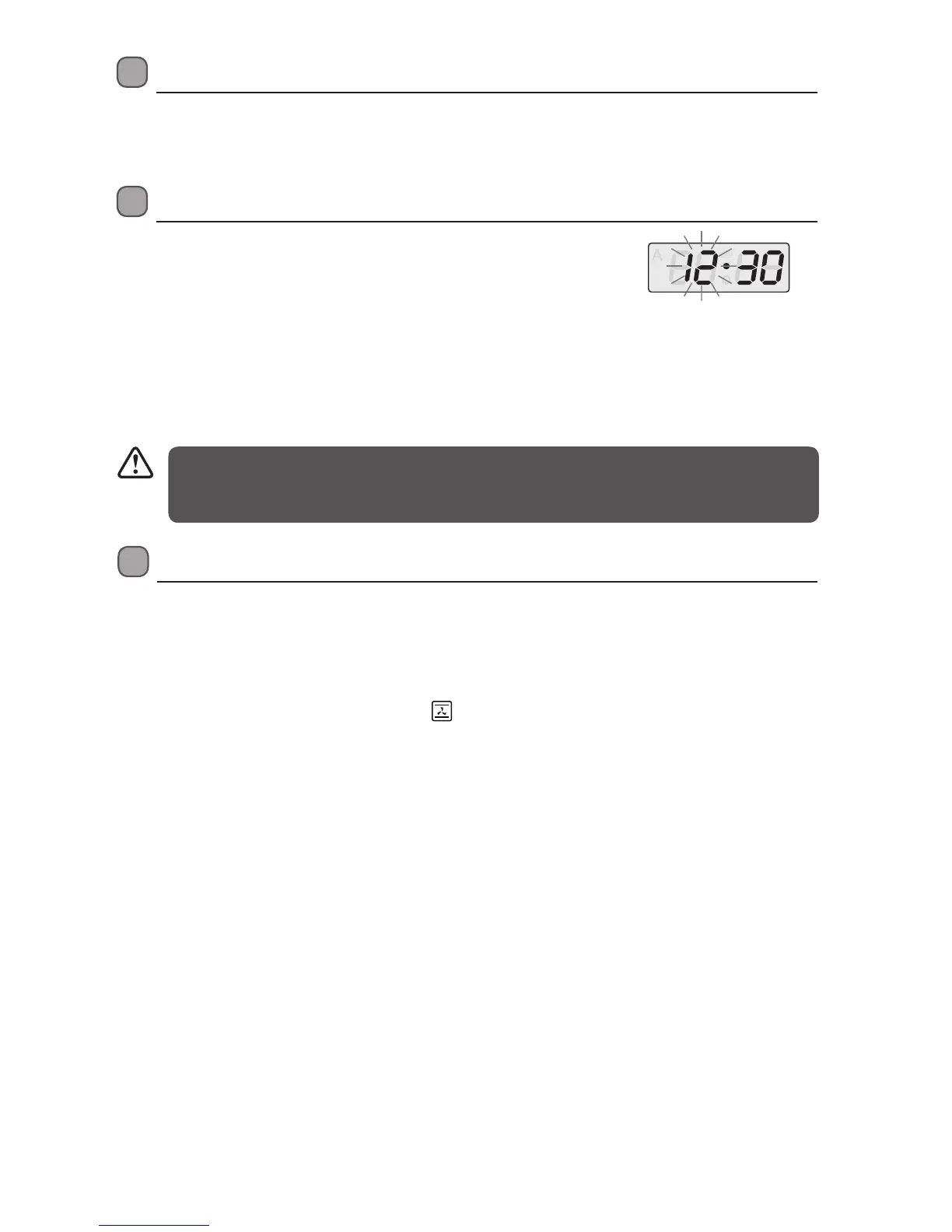
power cut, the LED clock’s hour digits will flash.
2. Press the + / - buttons to set the hour. Press the MODE button to start the
minutes digits flashing. Use the + / - buttons to set the minutes. Press the
MODE button to confirm.
3. If the display does not flash, adjust the time by pressing the + / - buttons at
the same time for 3 seconds or more.
• This is a 24-hour clock. When the oven is connected to the mains for the first time or when power is
resumed after a power interruption, the LED display with show “12:30”.
• Re-set the clock by following Steps (2) and (3) above.
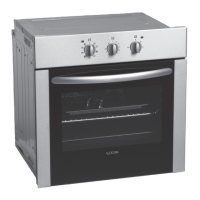
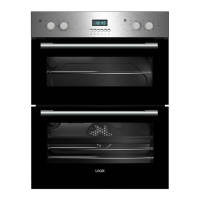
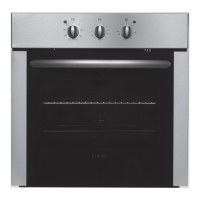
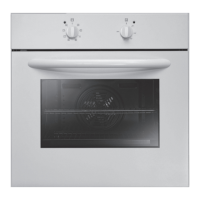
* All images are for indication only; please refer to your individual unit for actual item.
First Time Use of the Oven
1. Unpack the oven. Remove any insert cards or plastic bags and all accessories. Use a damp cloth to carefully
wipe the interior and exterior of the oven. Clean all the detachable parts in hot, soapy water before using.
2. To set the clock or otherwise operate the oven, press and hold the MODE button for 3 seconds or more. This
puts the oven in manual mode, giving you control of your oven.
3. Turn the MODE dial to the Convection Oven
mode. Set the temperature dial to 200˚C.
4. Heat the oven on maximum for 45mins (ensure the clock has been set). There may be a little smoke and
odour upon initial start up (for about 15mins). This is normal. It is due to the protective substance on the
heating elements which protects them from the effects of corrosion during shipping from the factory.
5. To return to Standby mode, press the MODE and + buttons for 3 seconds or more.
LBMULB13_IB_130620_chris.indd 9 20/6/13 11:41 AM


 To Next Page