Logitek
5
Operation
MTK-MON (Monitor Module) – Screen
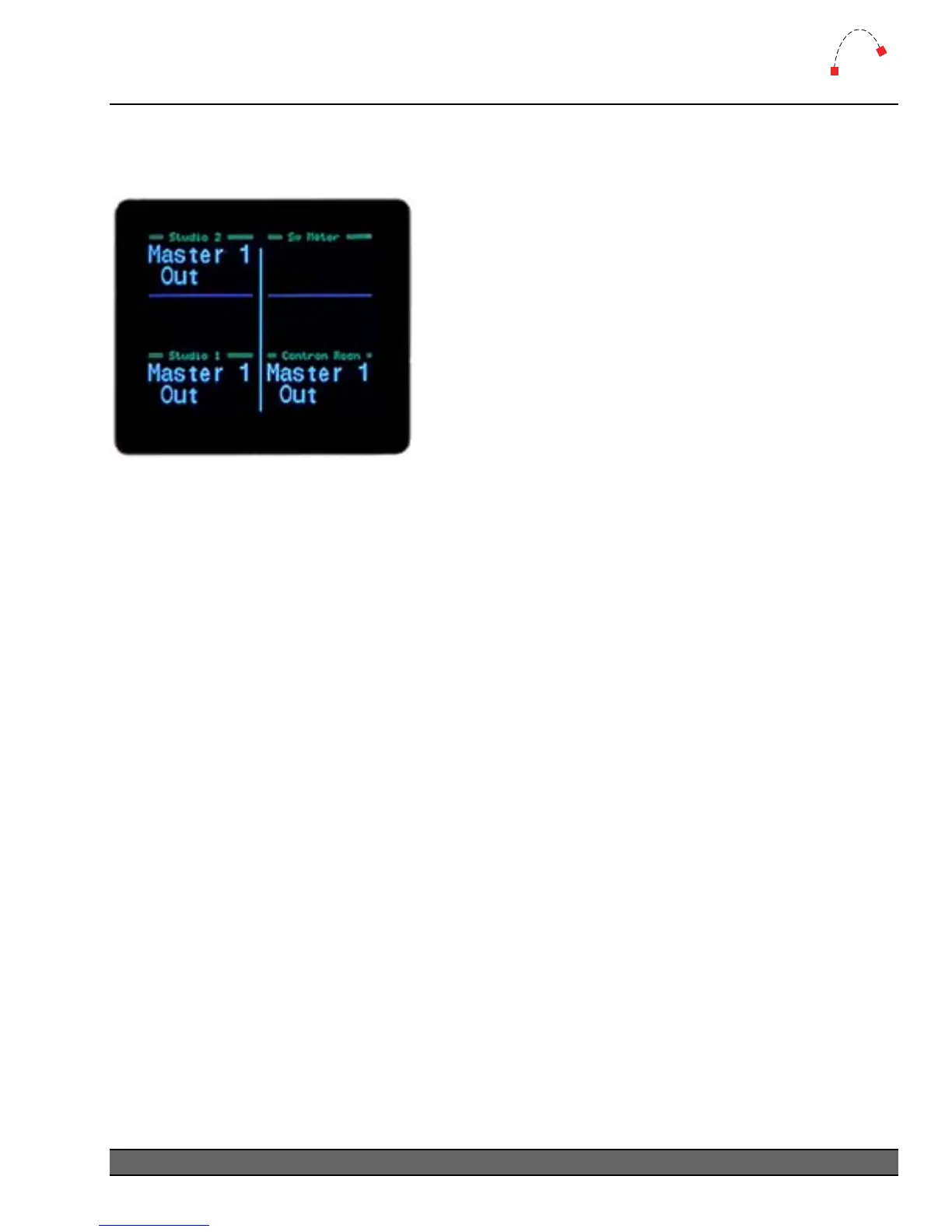
The Monitor Module has an LCD color screen which displays sources for the Studio 1, Studio 2,
Switcher Meter and Control Room sends. Pictured below is the screen showing various sources.
Figure 15 - MTK-MON Screen
For each input, the following information is displayed.
Current Source
This is displayed in large white text. The Artisan supports a 16-Character Device Name, shown as 2
lines of 8 characters.
Source List
When the gain/input knob is turned after CNG has been pressed, a box will appear to display the
source list. Turn the knob to scroll through the list and press the CNG button again to accept the
new source input.
Logitek Artisan Reference Manual
29



 To Next Page