14
EN
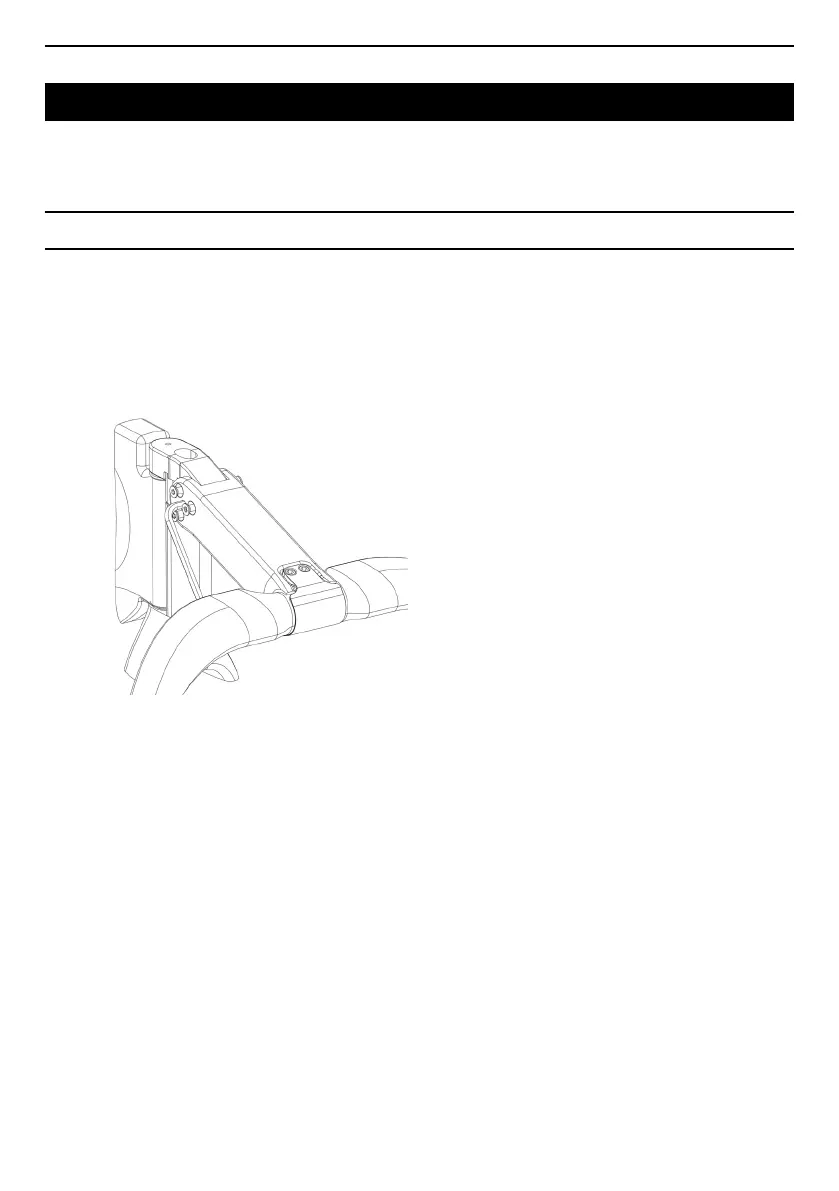
ANGULAR ADJUSTMENT I REMOVING THE STEM
1 I Loosen the 6 FHCX screws (by approx. 3mm)
without removing them completely.
2 I Place a 5mm Allen key in the central stem hole,
on the right hand side.
3 I Loosen the central M6x10mm screw until one of
the 2 cones comes away from the headset cap.
4 I Continue unscrewing until the second cone
detaches from the headset, taking care not to pull
the composite arms away from the stem.
5 I Once you have removed both cones, the stem
angle can be adjusted. The stem can also be
removed by completely unscrewing and removing
the 6 FHCX screws.
6 I Do not forget to tighten the M6x10 screw in the left
cone before tightening the stem on the fork again.



 To Next Page