18
EN
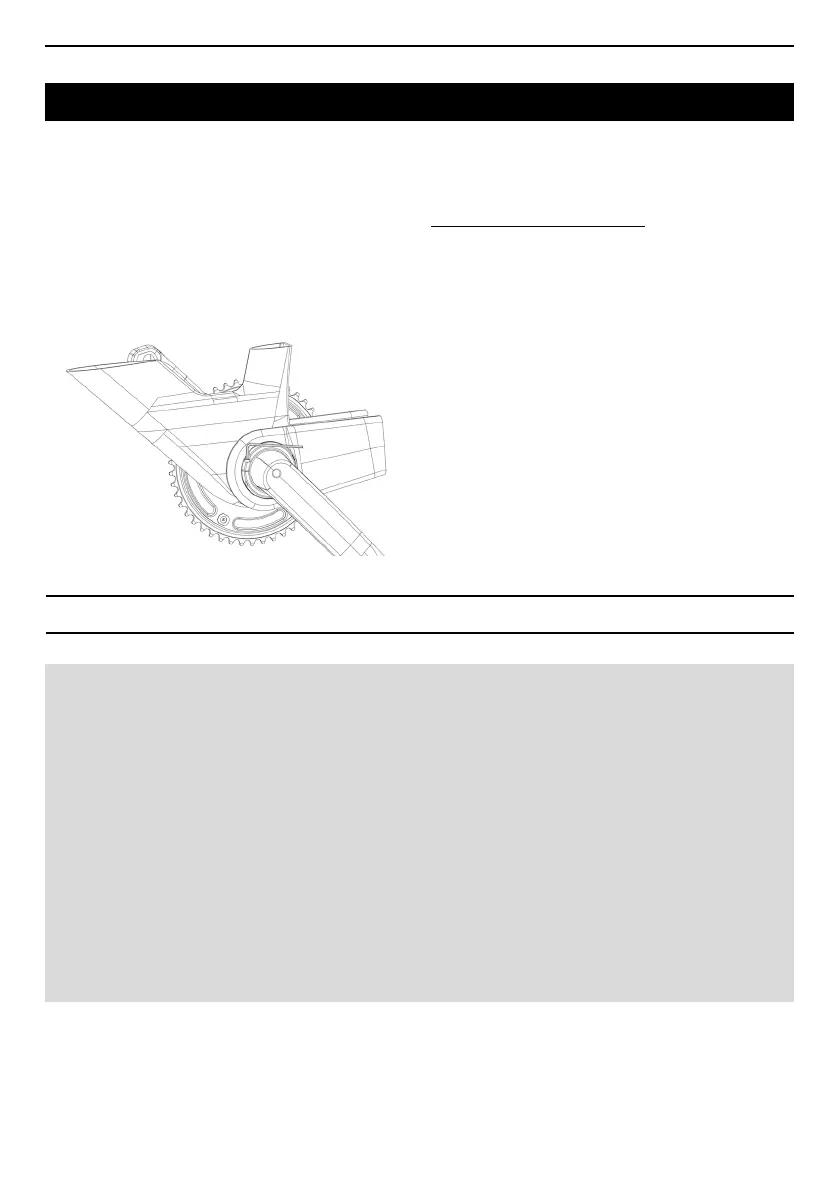
7 I After removing all play in the crankset by
tightening the locking ring, remove the Allen key,
loosen the M3 screw, remove the mounting aid and
re-tighten the M3 screw to a torque of 2Nm.
To remove the crankset, follow the assembly
procedure described above in reverse order.
REMOVING THE CRANKSET
MOUNTING THE CHAINRING ON THE CRANKSET
Chainring compatibility :
Chainrings with the following properties are compatible with the ZED TRACK crankset :
- 5 bolt holes
- 144mm bolt circle diametre (BCD)
- 4mm thickness in all bolt areas
Most current chainrings meet the above specications.
Mounting the chainring on the crankset :
With the crankset installed on the bike, slide the chainring over the right hand crank and tighten the
mounting screw to a torque of 6Nm.
Note : the chainring locknuts are integrated in the crankset. Only the mounting screws need
inserted and tightened to attach the chainring.



 To Next Page