LOUPEDECK CT & PREMIERE PRO
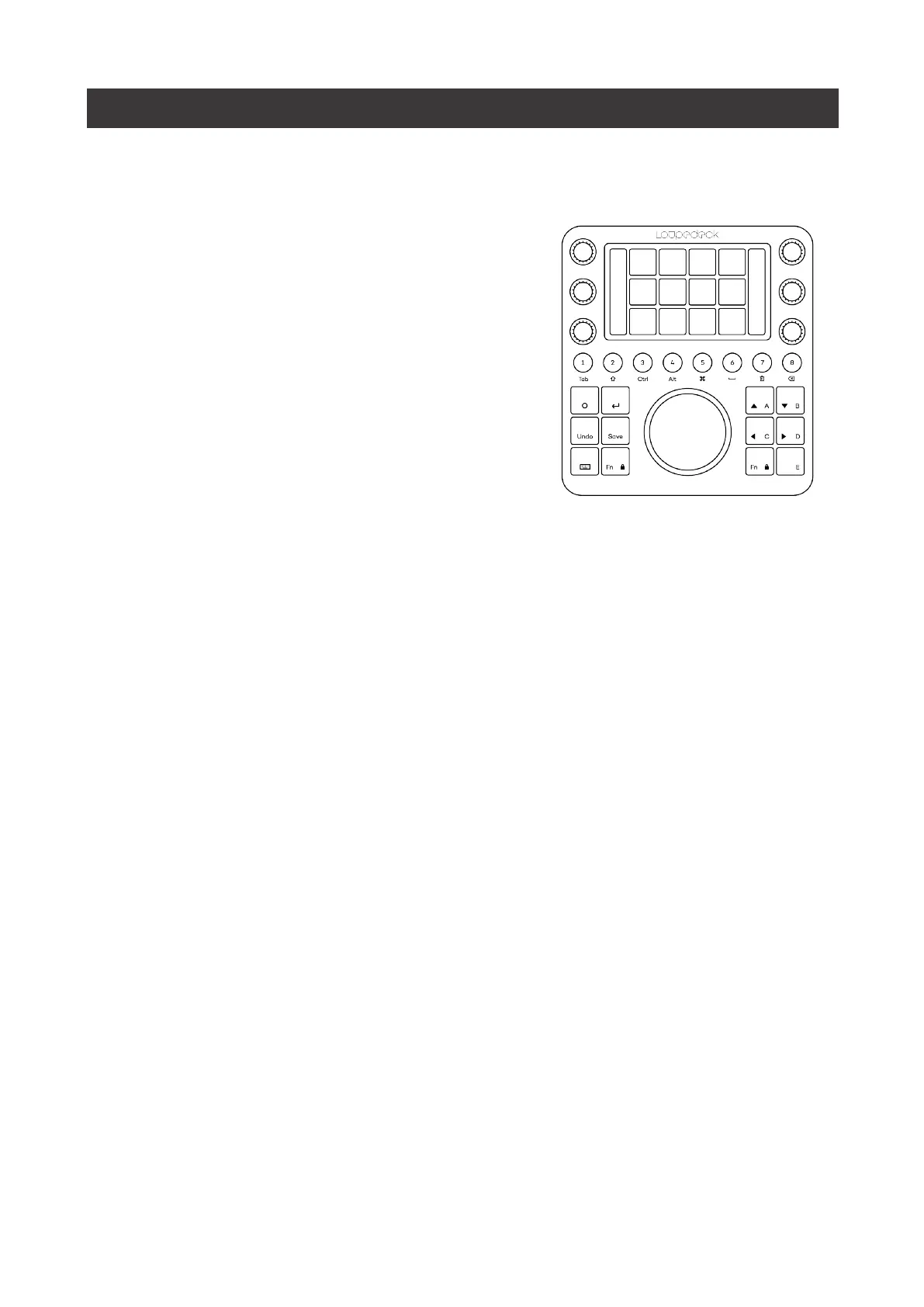
To m a ke u s i n g L o u p e d e c k CT a s i n t u i t i ve a s p o s s i b l e f o r P r e m i e r e P r o , a l l t h e a c t i o n s a r e
divided into two levels of control elements:
1) Workspace (elements):
a. Dials
b. Touch buttons
c. Wheel (incl. touch screen)
2) General elements:
a. Round buttons
b. Square buttons
The first group is controlled by workspaces,
and every workspace has an individual set of
tools and controls
The second group, general elements, contains
functions that are needed throughout your
creative process. These buttons do not change
when workspace is changed.


 To Next Page