WORKSPACE ELEMENTS
A workspace is a “toolbox”, a collection of related functions (rotation, press and wheel
templates), laid out so that you can do certain actions.
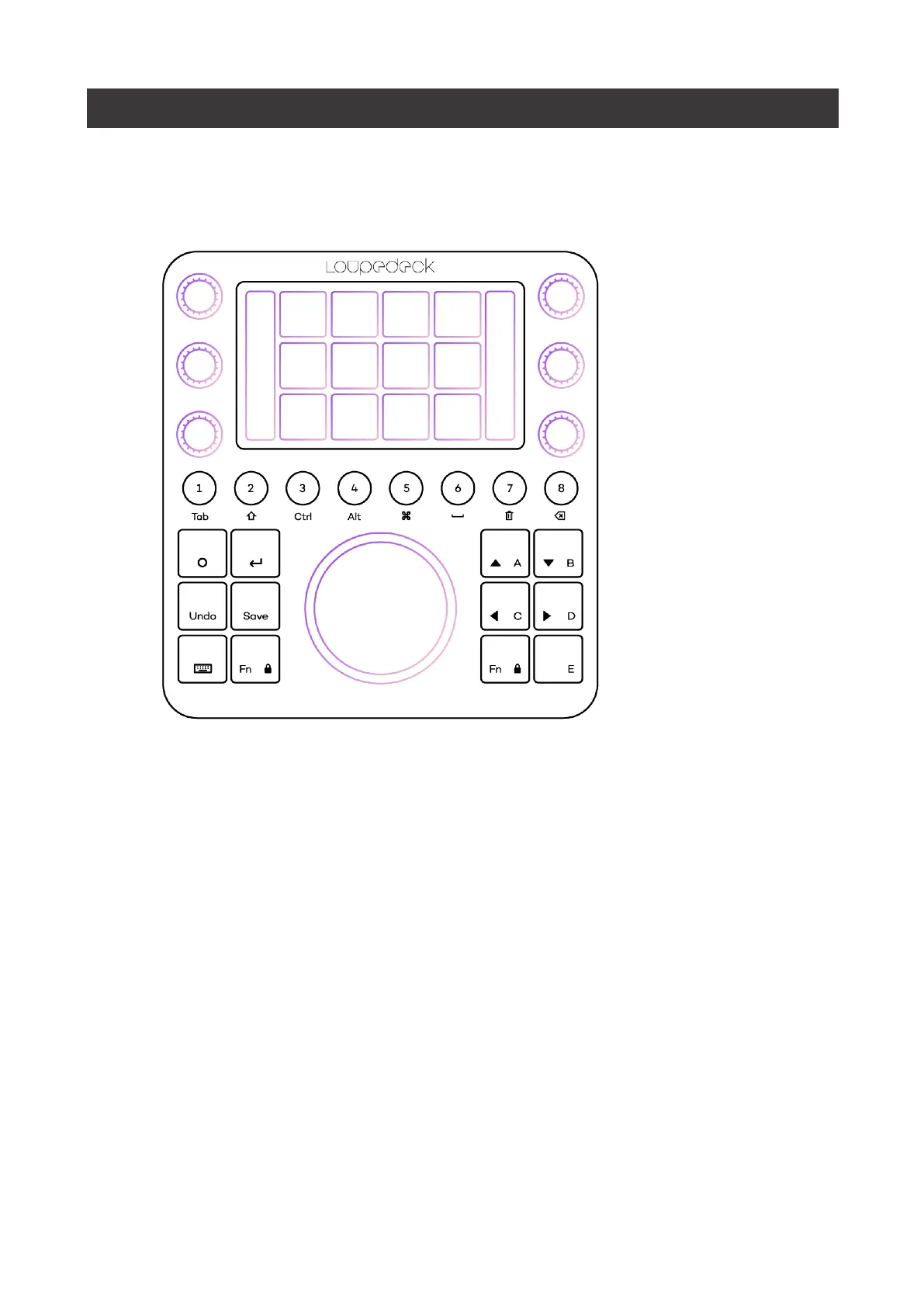
Dials
are prioritized for the most used adjustments (e.g., Exposure in Basic Adjustments
workspace). Dials also have a press function that is, in most cases, bind for resetting
adjustment value (e.g., pressing contrast dial will reset contrast back to zero).
TIP!
If you don’t need resetting a value, you can assign a different press function to dials.
To u c h B u t to n s
(on touch screen) contain most used actions within a workspace or page
links for dials or the wheel.
Wheel
contains both rotation capability (wheel ring) and touch capability (wheel screen).


 To Next Page