85
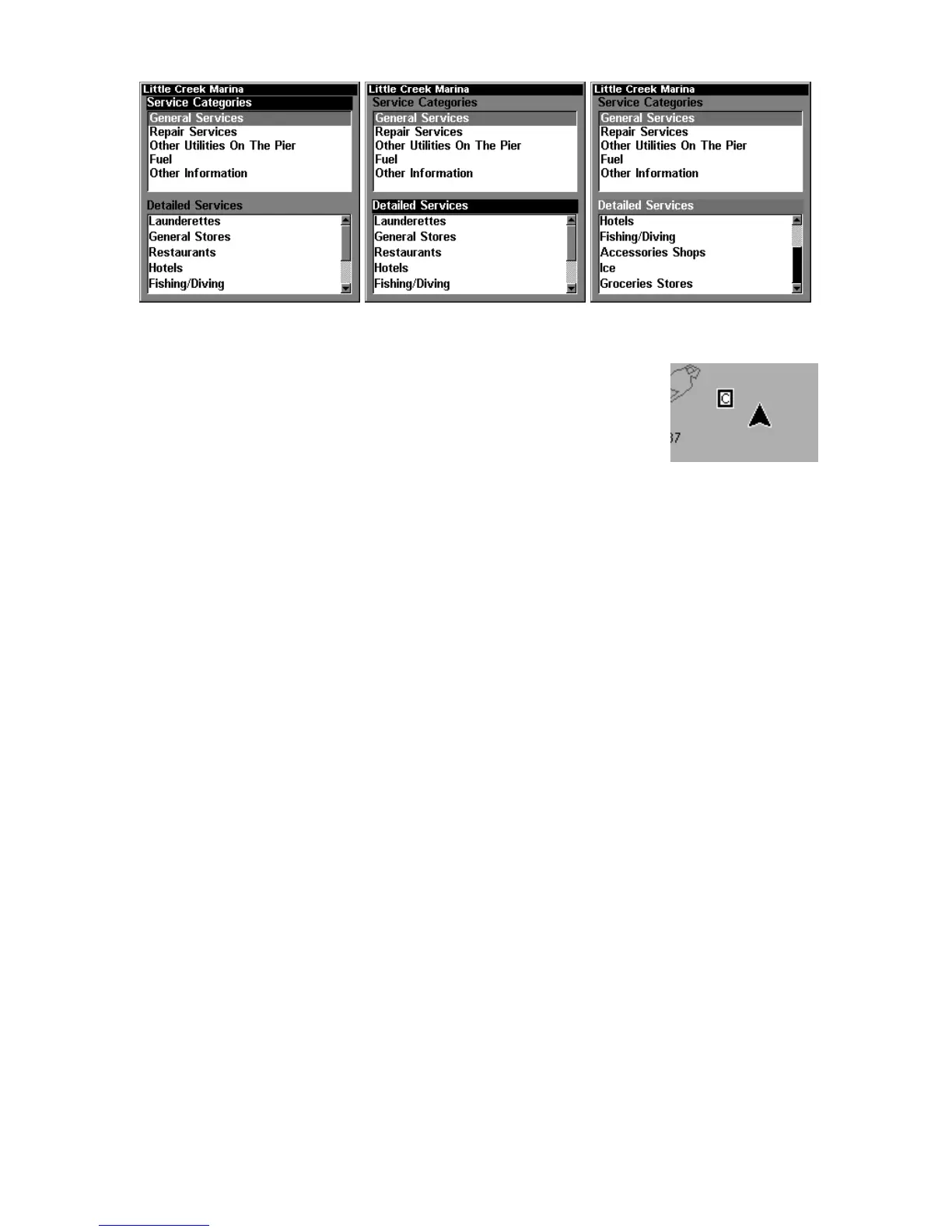
Port Services information screens.
Tidal Current Information
Navionics charts contain Tidal Current information,
represented at large zoom ranges by a box icon with
the letter "C." The icon stands for a Tidal Current
Station location. An example is displayed at right.
When you zoom in to a sufficiently small zoom range, the icon itself be-
comes an animated arrow showing tidal current velocity and direction for
the selected tidal station at the present time. At larger zoom ranges, you
can select the boxed "C" icon and it becomes an animated arrow with a
pop-up name box. An example is displayed in the following figure.
To view Tidal Current information:
1. Use the arrow keys to move the cursor over a Tidal Current Station
icon. When selected, a pop-up name box appears.
2. Press
WPT to display the Tidal Current Information screen.



 To Next Page