6
PB
Introduction | HOOK X series
Introduction | HOOK X series
Getting started
Turn unit
on/off
To turn on/off the unit, press and
hold the LIGHT/POWER key for
three seconds.
Adjusting
the
backlight
This unit has
10 backlight levels.
Press the LIGHT/POWER key to
switch backlight levels.
Muting
Audio
Select Audio from the System
menu and press ENTER. Enable/
disable Mute.
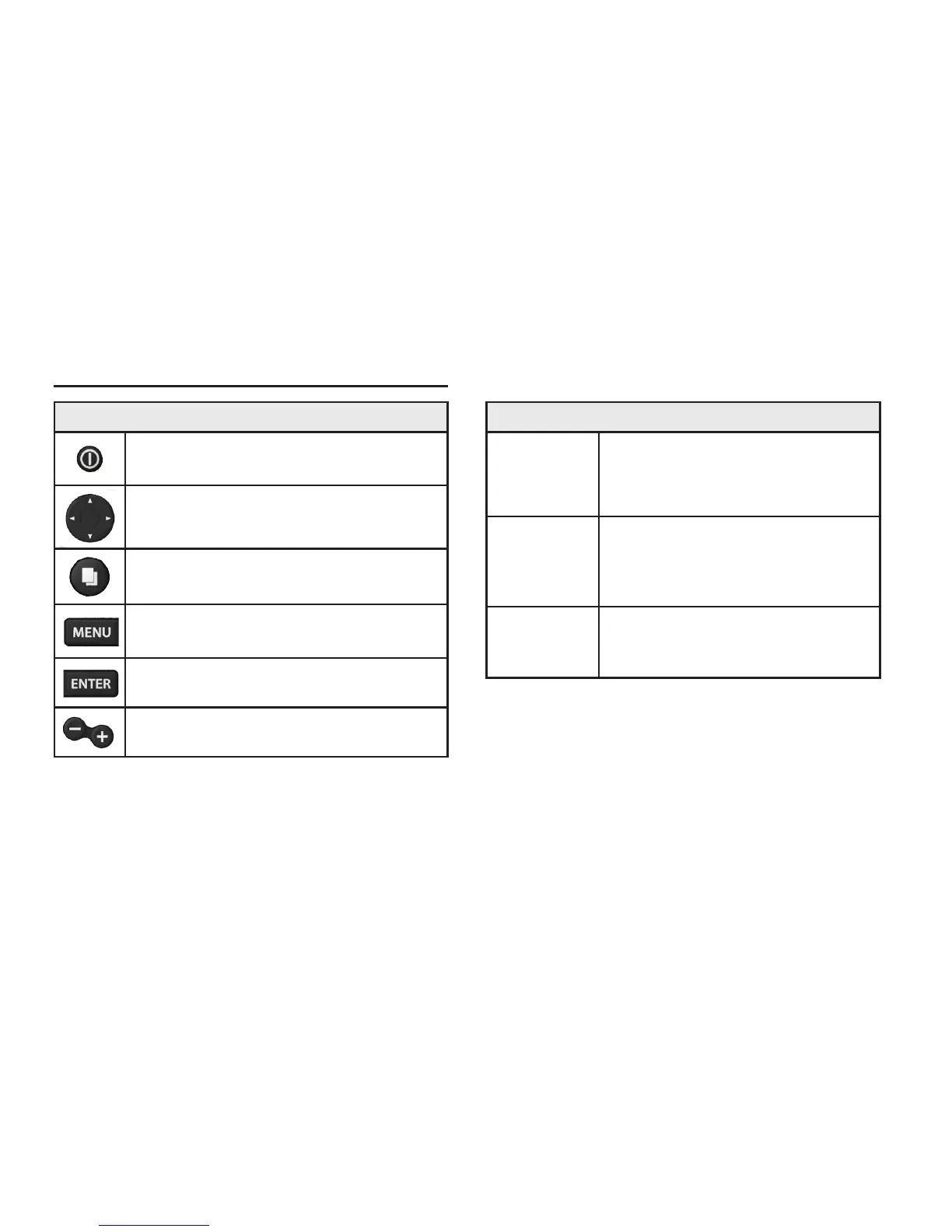
Unit controls
LIGHT/POWER: controls backlight
level and turns unit on/off
KEYPAD: controls cursor & selects
items on menus
PAGES: allows you to select a page to
view
MENU: opens settings, context and
page menus
ENTER: nalizes menu selections
ZOOM Keys: used to zoom in/zoom
out
Introduction













 To Next Page