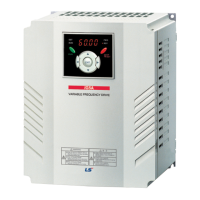
iS7 Ethernet Option Manual
Related keypad parameter with iS7 Ethernet
Automatically set up according to
the CIP Input Instance.
Sets up the inverter data address
which will be read by the client.
Sets up the inverter data address
which will be read by the client.
Sets up the inverter data address
which will be read by the client.
Sets up the inverter data address
which will be read by the client.
Sets up the inverter data address
which will be read by the client.
Sets up the inverter data address
which will be read by the client.
Sets up the inverter data address
which will be read by the client.
Sets up the inverter data address
which will be read by the client.
Automatically set up according to
the CIP Output Instance.
The Client sets up the reference
Inverter Data Address.
The Client sets up the reference
Inverter Data Address.
The Client sets up the reference
Inverter Data Address.
The Client sets up the reference
Inverter Data Address.
The Client sets up the reference
Inverter Data Address.
The Client sets up the reference
Inverter Data Address.


 To Next Page
 Loading...