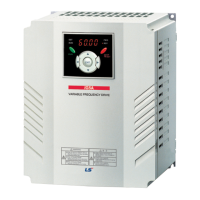
iS7 Ethernet Option Manual
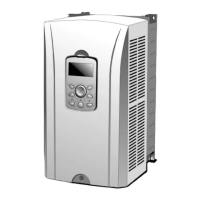
(3) Mounting the communication option module on iS7 inverter
① Remove the cover of the iS7 inverter.
② iS7 communication option After connecting the EtherNET / IP communication
option to the connection part, tighten the screws (2 pieces).
③ iS7 inverter and EtherNET / IP communication option have been concluded.
Do not install or remove the EtherNET / IP communication option while the
iS7 inverter is powered on.
Install or remove the EtherNET / IP communication option after the voltage of
the capacitor of the inverter is completely discharged.
Make sure that the inverter main unit and the option connector match exactly.


 To Next Page
 Loading...