Quick Start Guide of Digital Video Recorder
28
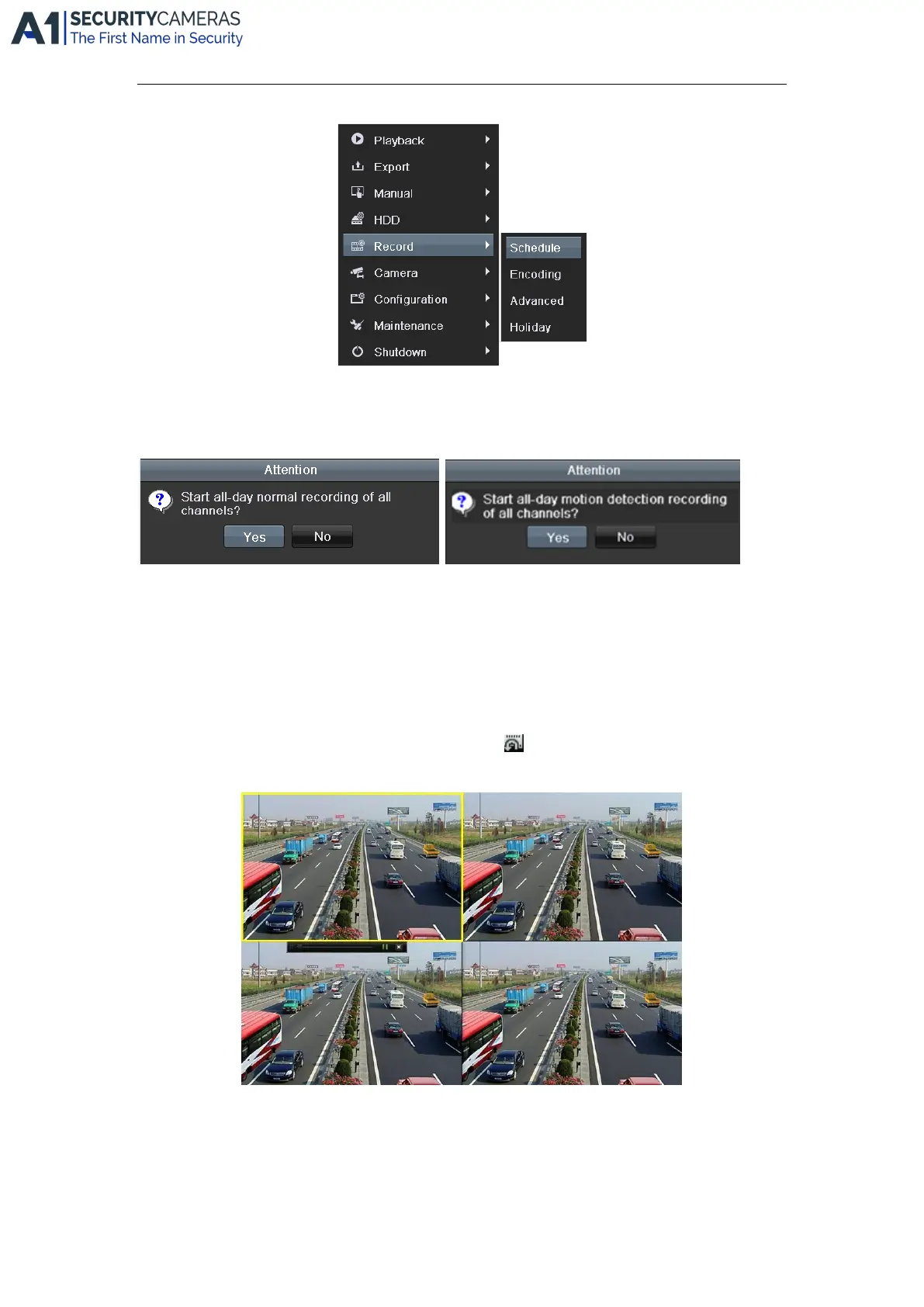
2. Click the Start Recording submenu and select the recording mode to Normal Record or Motion Detection
Record.
3. In the pop-up message box, click Yes to finish the quick recording settings for all channels.
Note: The full-screen motion detection triggered recording is configured by default in this mode.
Playback
Play back the record files of a specific channel in the live view menu.
Instant playback by channel
Choose a channel under live view using the mouse and click the button in the shortcut operation menu.
Note: Only record files recorded during the last five minutes on this channel will be played back.
All-day Playback by channel
1. Enter the All-day Playback menu.
Mouse: right click a channel in live view mode and select All-day Playback from the menu.
Available from A1 Security Cameras
www.a1securitycameras.com email: sales@a1securitycameras.com









 To Next Page