Quick Start Guide of Digital Video Recorder
29
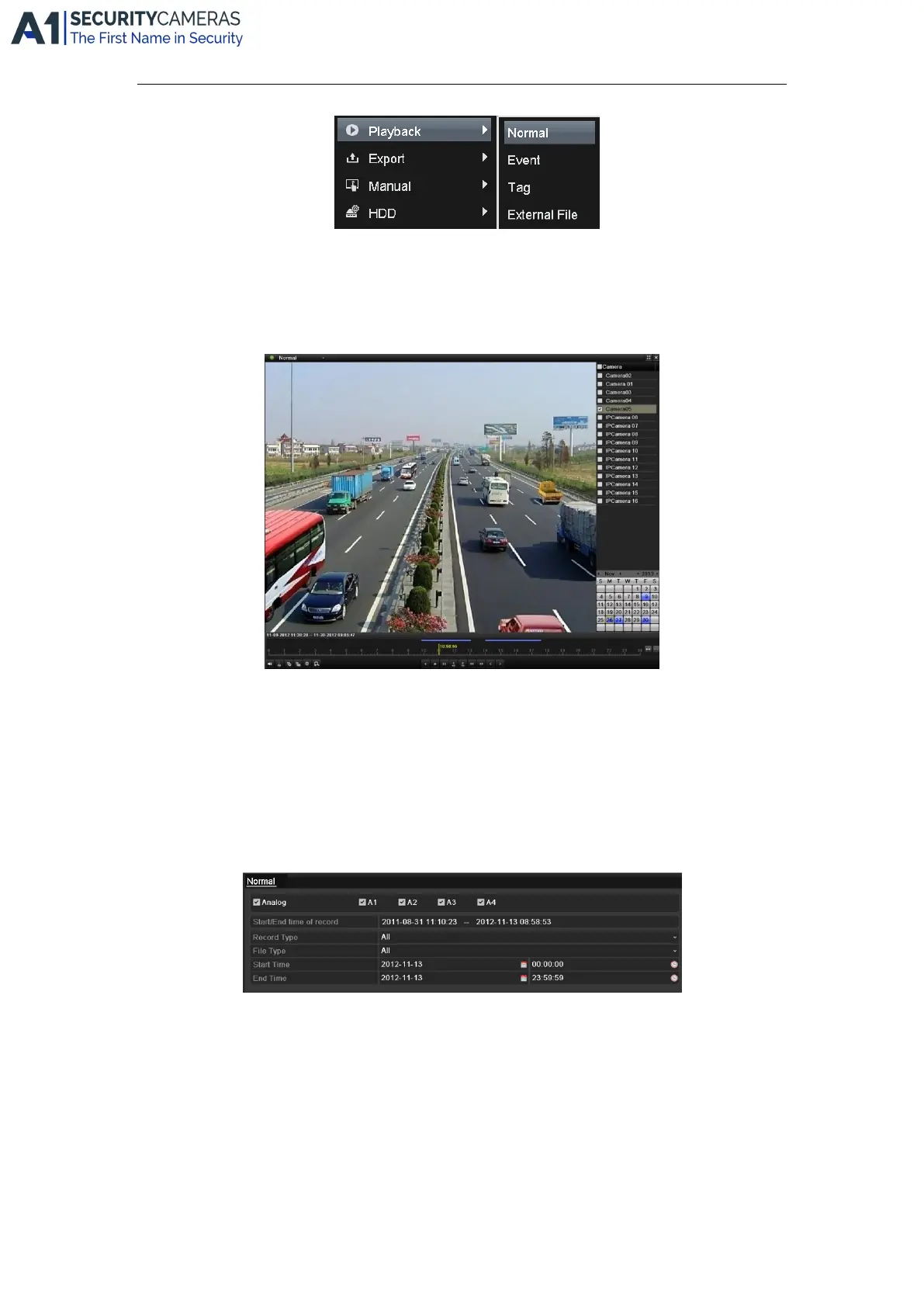
Front Panel: press PLAY button to play back record files of the channel under single-screen live view.
Under multi-screen live view, record files of the top left channel (not masked) will be played back.
Note: pressing numerical buttons will switch playback to related channels during playback process.
2. Playback management.
The toolbar in the bottom part of Playback interface can be used to control playing process.
The channel and time selection menu will display by moving the mouse to the right of the playback interface.
Just tick the channel or channels if you want to switch playback to another channel or execute simultaneous
playback of multiple channels.
Backup
Recorded files can be backed up to various devices, such as USB flash drives, USB HDDs or USB DVD writers.
To export recorded files:
1. Enter Video Export interface.
Choose the channel(s) you want to back up and click the Quick Export button.
2. Enter Export interface, choose backup device and click the Export button to start exporting.
Available from A1 Security Cameras
www.a1securitycameras.com email: sales@a1securitycameras.com









 To Next Page