Luowice Wireless Security Camera User ManualLuowice Wireless Security Camera User Manual
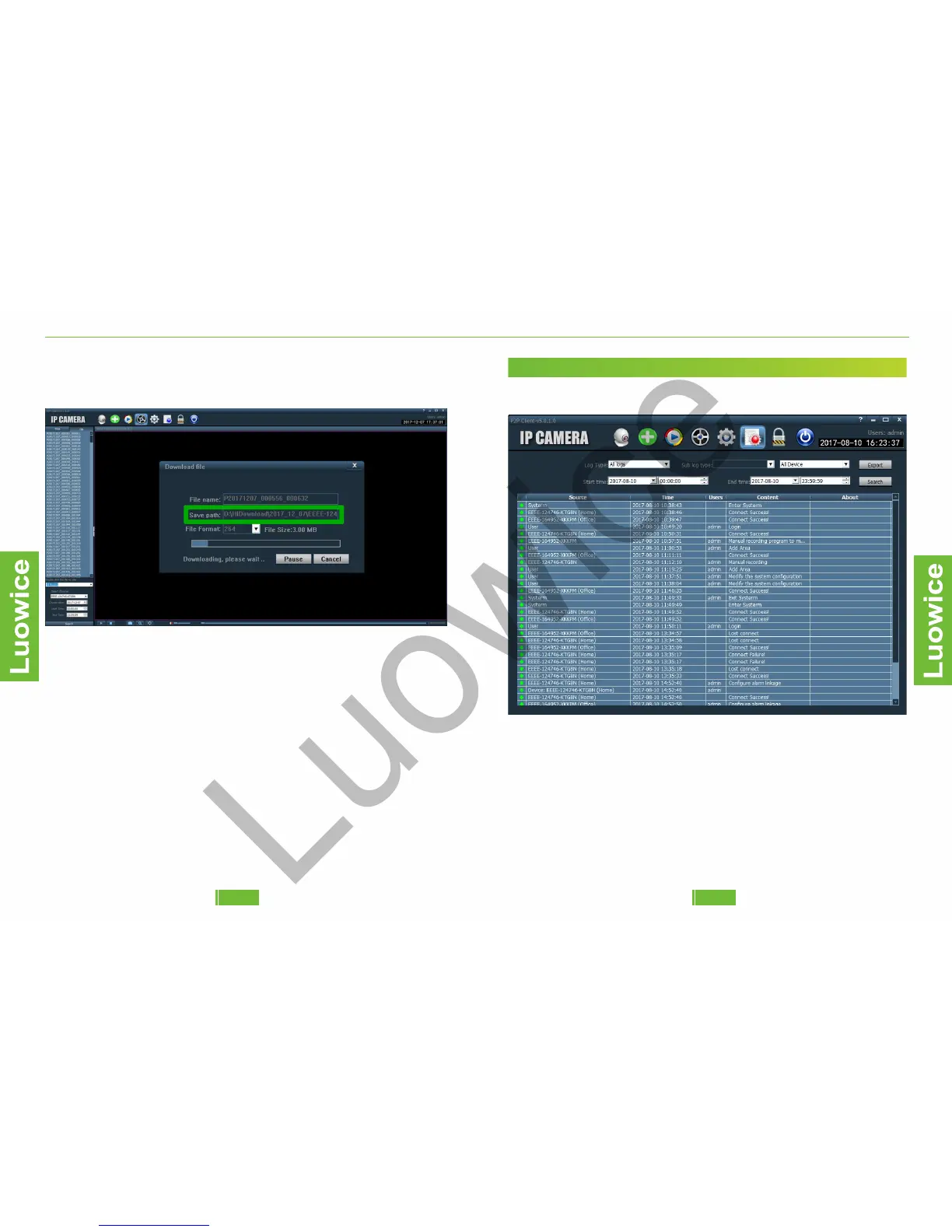
Please remember the Save path of the videos to get it later. Then click
'Begin' and the video will be backup successfully.
Note:
1. To watch the videos you have downloaded, you will need to download
the specific player from our official website to play the videos, for the
videos cannot be played on any other players.
2. To change the video file into another format, please download the
Video Conversion software from our official website. Then you can
change the format of the videos to watch it via other players.
Download URL for All the Related Materials of Luowice Wi-Fi Security
Camera:
http://www.luowice.com/en/R8-download.html
2.3.4 Action with Alarm
2.3.4 Action with Alarm
2.3.4 Action with Alarm
2.3.4 Action with Alarm
2.3.4 Action with Alarm
2.12 The Logs Interface
Function:To check main operation of the camera.
Operation: Please click the 'Logs' icon. And then choose the log type,
device, start time/end time, and click 'Search' to get the logs list.
3130


 To Next Page