10
3. Nightlight indicator The nightlight
indicator is displayed when the nightlight
on the baby unit is turned on.
4. Sound indicator
When the volume
has been decreased to mute, the mute icon
will be displayed on the screen. Use the
button to increase the volume.
5. Talk indicator
This icon appears
when the talk button is pressed. You can now talk through the baby unit.
6. Room temperature indicator
The room temperature indicator indicates the temperature measured by the baby unit. Make
sure the temperature sensor of the baby unit is pointed away from the camera to enable more
accurate measurements.
OUT OF RANGE WARNING
When the baby unit is positioned too far from the parent
unit, the warning message Out of Range will appear on the
screen of the parent unit and the video will start to icker.
When there is no connection between the baby and the
parent unit, the screen of the parent unit will be black and
display the warning message Out of Range. Try bringing the
parent and baby units closer together to restore the video.
Note: If this does not help, try pairing the baby and parent unit. See baby unit pairing section.
Signal strength Indicator Warning
Perfect None
Good None
Fair None
Low Out Of Range
No Signal Out Of Range
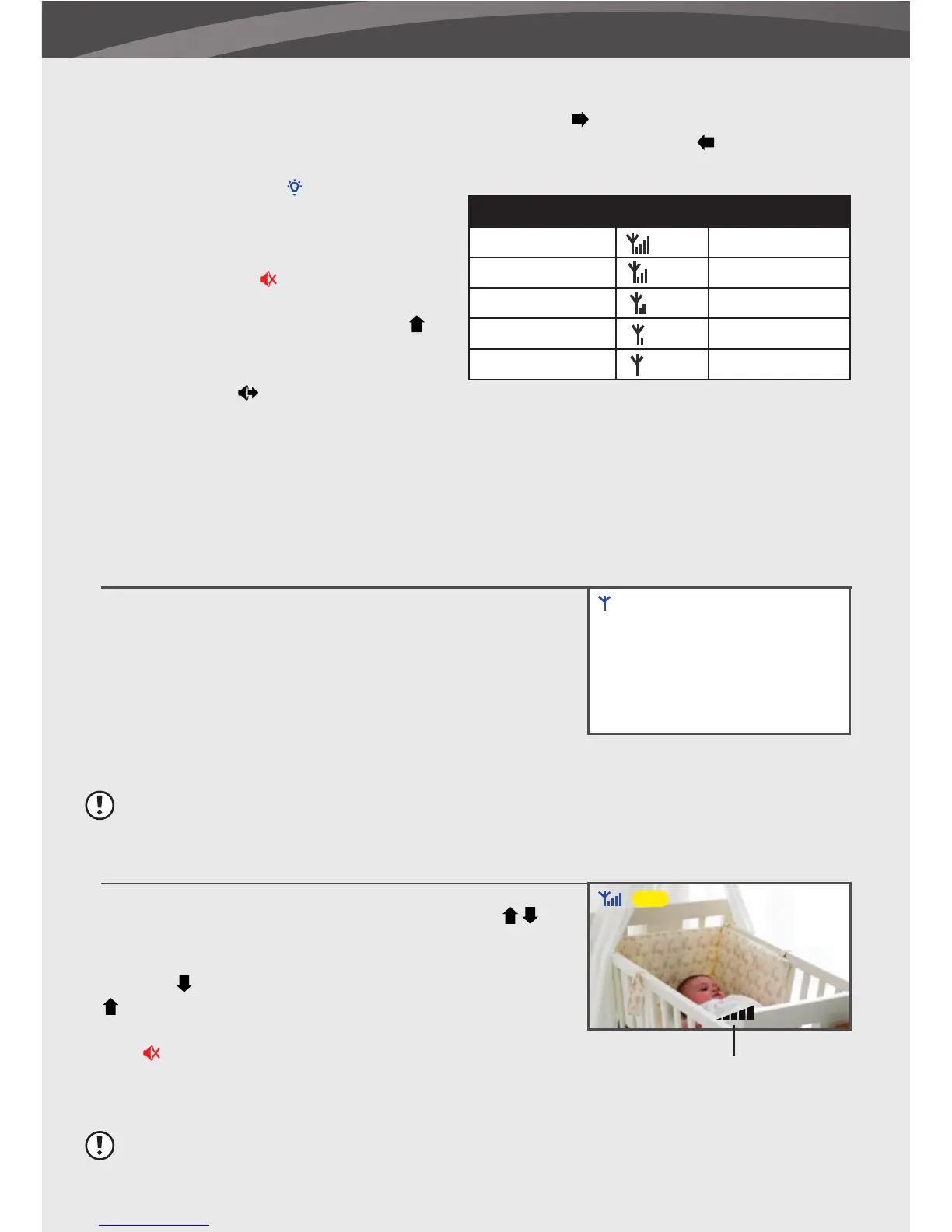
The baby unit volume can be adjusted by using the
buttons when viewing the video of the baby unit.
Press the
button to decrease the volume, and press the
arrow to increase the volume. When the volume is set to
one bar (lowest setting) the volume is muted. The sound
icon
will then appear on screen.
The volume indicator will be displayed when you change the volume.
Note: The volume cannot be changed in the zoom mode (2x is displayed on the screen)!
ADJUST THE VOLUME
2. Channel indicator
The channel indicator displays the current channel. Press the
button to switch between the
available baby units. To automatically switch between the channels press the
button.
25°C
Cam 1
Volume indicator
Out Of Range















 To Next Page