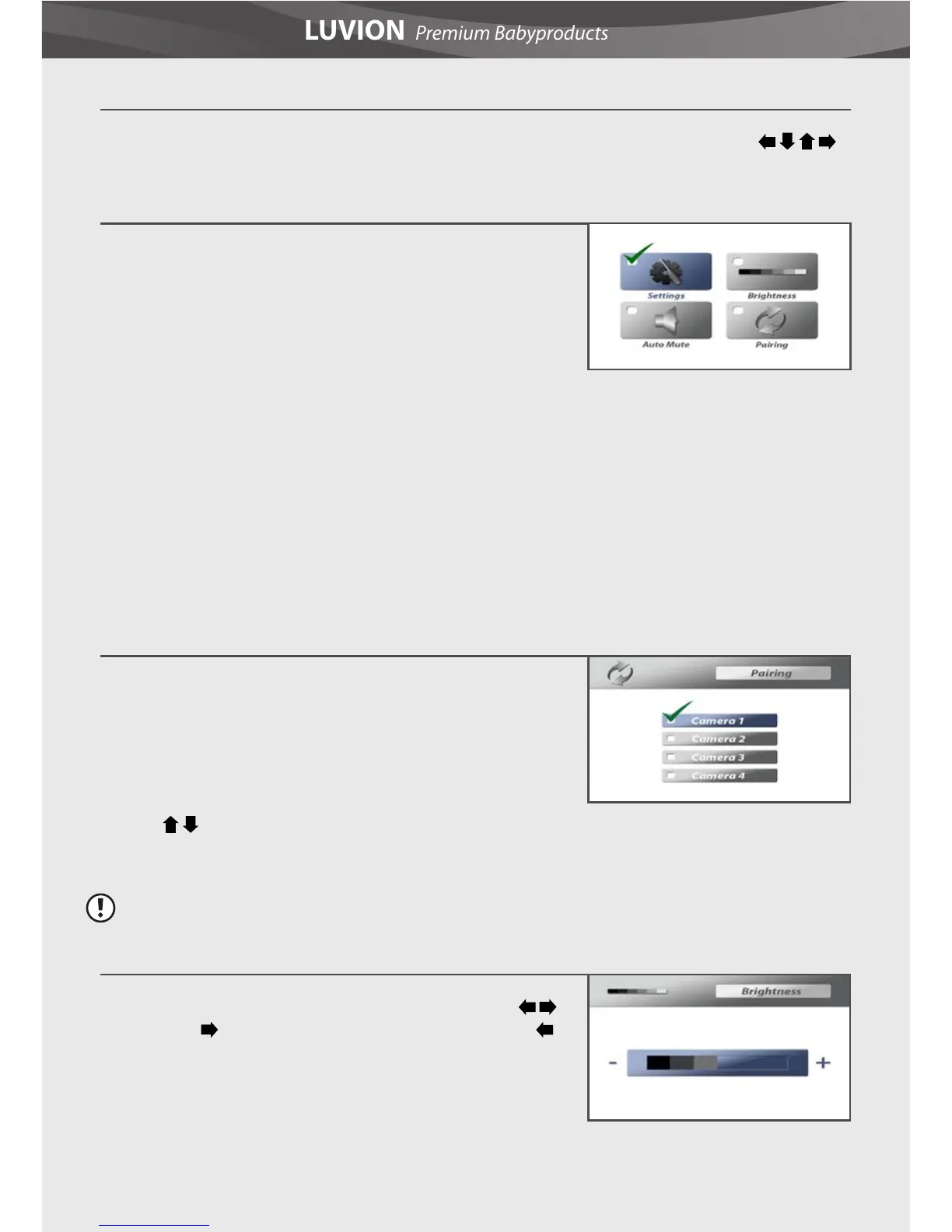
MAIN MENU
The main menu contains 4 submenus:
- Pairing - Use the pairing menu to connect (extra) baby
units to the parent unit.
- Brightness - In this submenu you can adjust the
brightness of the screen.
- Auto Mute - Auto mute is a feature where you can choose between a so called “open channel”,
or the sound activated option. Using the sound activated mode, you will only hear you baby
when there is a certain amount of sound. The sensitivity for this level of sound detection can be
adjusted by turning the rotary knob located at the side of the baby unit.
- Settings - In this submenu you can set the alarm volume, temperature alert parameters,
temperature display unit, the TV system for AV output and the screensaver. It is also possible to
reset the parent unit to default factory settings.
PAIRING
The system comes with a baby unit that has already been
paired with the parent unit. The pairing function gives each
baby unit a seperate channel on the parent unit (with a
maximum of 4 baby units). This is necessary for conguring
additional baby units.
Use the
buttons to select the desired pairing channel, and press the OK button to begin the
pairing process. For more information see baby unit pairing section.
Note: It is highly recommended to pair the baby units to the parent unit before permanently
mounting them.
BRIGHTNESS
The brightness of the screen can be adjusted with the
buttons. The
button makes the screen lighter and the
button makes the screen darker.
MENU OPTIONS
Press the menu button on the parent unit to display the menu on the screen. Use the
buttons to navigate through the menu. Press the OK button to conrm a setting.















 To Next Page