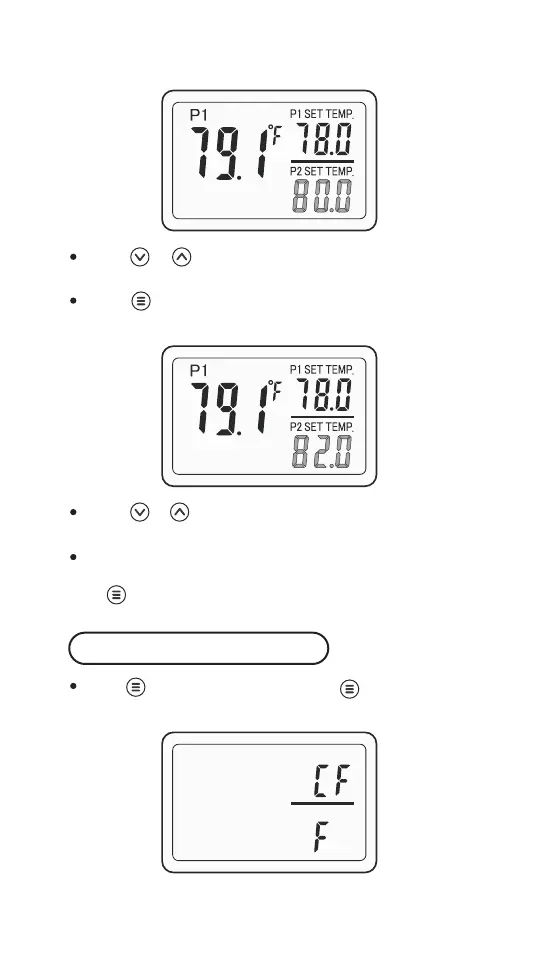
Press or to adjust the start heating temperature
value.
Press once, then the P2 SET TEMP 82.0 (the stop
heating temperature value) will flash.
Press or to adjust the stop heating temperature
value.
The controller will save the settings and exit automati-
cally if there’s no operation in 30 seconds, or you can
hold for 2 seconds to exit settings manually.
Hold for 2 seconds and press once again to
enter the setting menu, then select CF.
Temperature Unit Setting
-6-



 To Next Page