FlarmBat display Version 1.1 October 2018
Page 11 of 30
4 System Description
4.1 Description of Flarm (PowerFlarm) Led Display
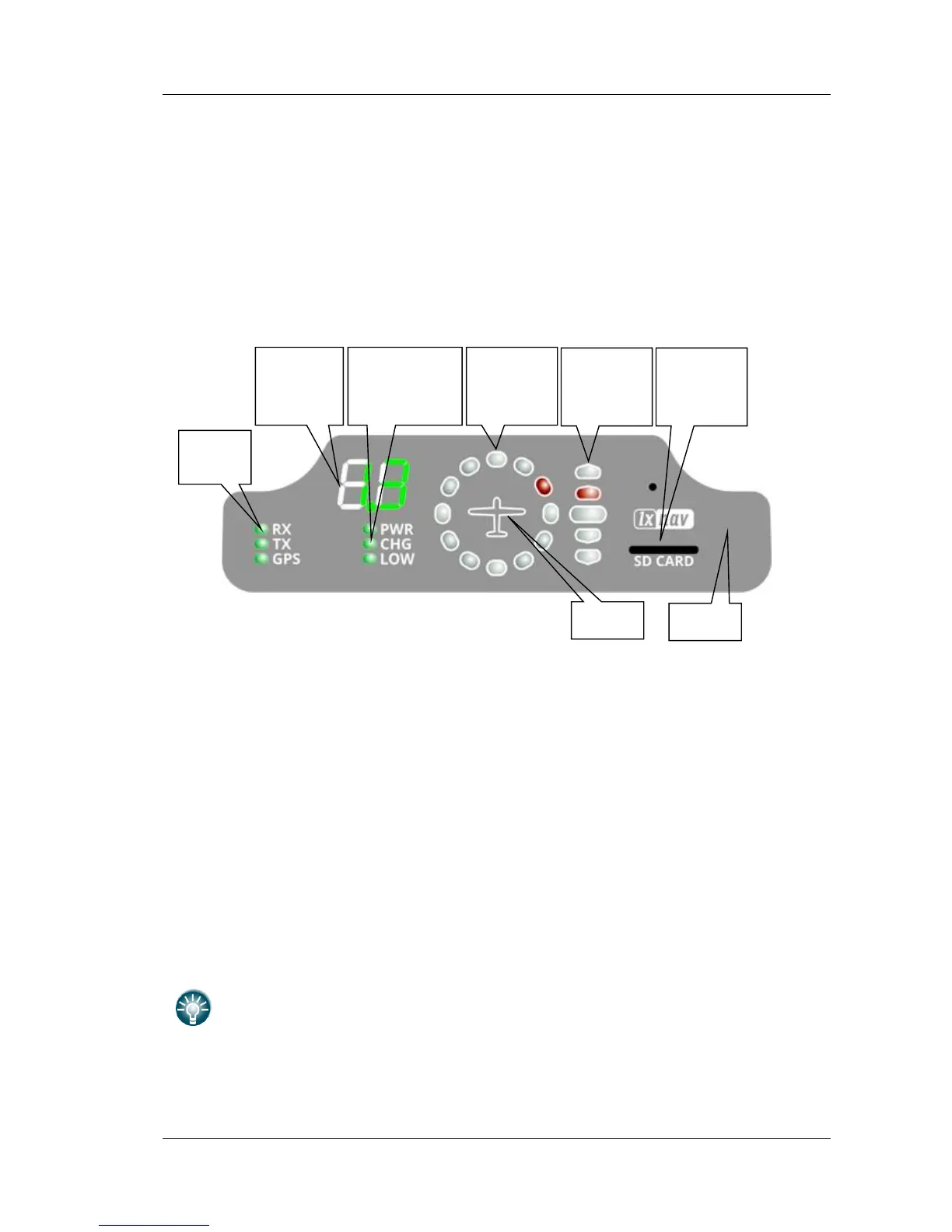
It consists of 5 main parts:
• Status LEDs
• Horizontal direction LEDs
• Vertical direction LEDs
• Push button
• Beeper
4.1.1 Status LEDs
Status LEDs indicates if PowerFlarm receiver receives any data, transmits data and GPS
status.
RX status led indicates that PowerFlarm is receiving something from other Flarm units.
TX status led indicates that Flarm is transmitting data.
GPS status led has 3 different modes:
• Fast blinking mode, means, that Flarm Led does not receive anything over serial bus
(probably needs to set correct baud rate)
• Slow blinking means, that GPS status is BAD
• Solid light means, that GPS status is OK.
4.1.2 Battery and charger status LEDs
All LED’s are in green color.
• PWR LED is ON, when unit is powered on.
• CHG LED is on, when internal battery is charging
• LOW LED is on, when internal battery voltage is low



 To Next Page