FlarmBat display Version 1.1 October 2018
Page 15 of 30
4.6 Setting up FlarmBat
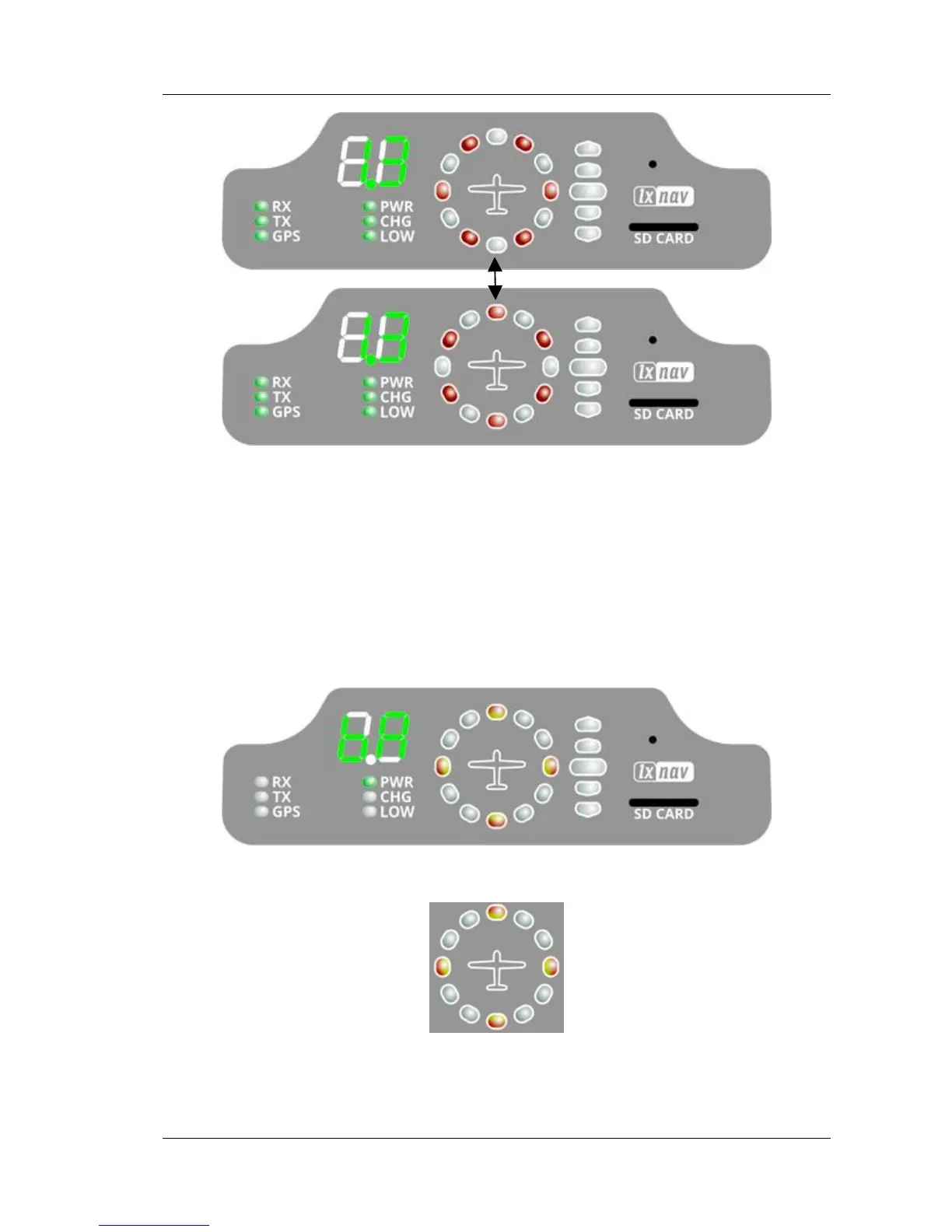
If we hold the push button, during power on, LXNAV FlarmLed will go into setup mode,
where following settings can be adjusted:
• Brightness of LED’s
• Volume on beeper
• Near mode
• PCAS setting
• ADSB setting
• Units setting
Setup mode is indicated with following horizontal indicator image:
With long press to the button we are switching between different settings, that can be set.
Short press will change value for actual setting.



 To Next Page