FlarmBat display Version 1.1 October 2018
Page 23 of 30
4.9 Firmware update
Flarm firmware can be updated via micro SD card. Just copy firmware to SD card, insert it
and power on FlarmBat. Firmware can be downloaded on LXNAV-Downloads-Firmware
section.
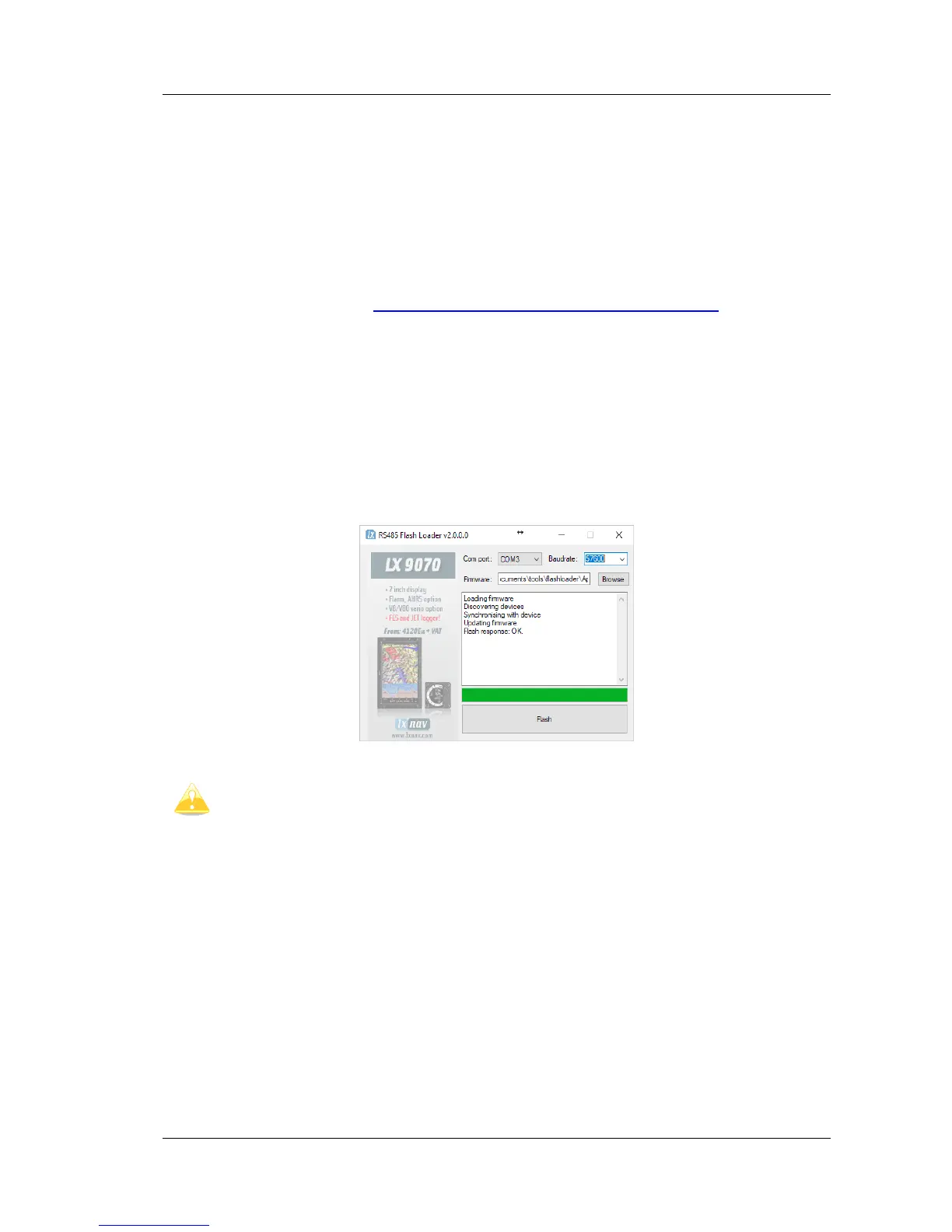
4.9.1 ADS-B firmware update via Flash Loader
This method is used if you wish to update an ADS-B module in FlarmBat.
You can get flash loader at: https://gliding.lxnav.com/lxdownloads/firmware/ (S7 PC update
tool) or Oudie (PNA update tool).
For the update you need file named _x*.lxfw (x= version nr.) on your computer.
Update procedure:
• Switch off the Flarm and connect it to your PC via Port 2.
• Select communication port to which your FlarmBat is connected to
• Select baudrate 57600
• Select root direction of your .lxfw file
• Press Flash
• Turn the device back on



 To Next Page