FlarmBat display Version 1.1 October 2018
Page 29 of 30
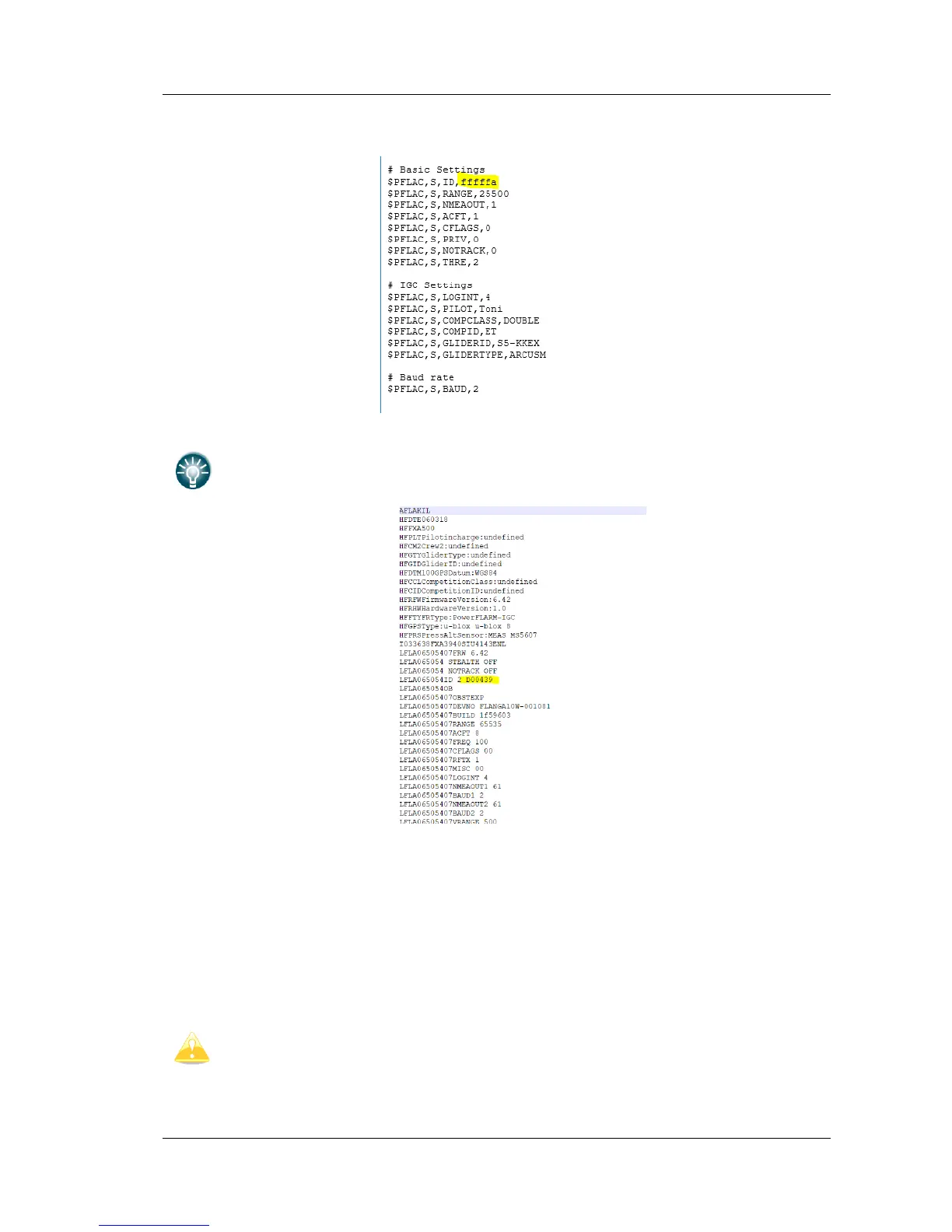
• Press Save, which will create a flarmcfg.txt file.
You can also find your flarm ID by downloading your .igc file and opening it with
notepad on your computer.
4.11 Saving flight on the micro SD card
The last 20 flights will be downloaded at every switching on (only if the micro SD card is
inserted). If there are already some of the 20 flights on the Micro SD card, they will not be
downloaded again. That means: if you have been flying a lot without downloading flights,
the download procedure will take some time, so don’t switch off. To download one flight
after landing perform the following procedure: Wait a 3 minute after landing. Then switch off
power for at least 5 sec. Insert the Micro SD card (in case it’s not already inside) and switch
on again.
The collision avoidance functionality does not depend on the status of the Micro
SD card (inserted or not)



 To Next Page