4.4 Power On
• Be sure not to put hands or anything else on the platen of the
plotter when turning on the power. It may cause injury.
• Keep long hair away from the grid drum when power is on.
Turn on the power switch on the left-hand side of the cutting plotter. The POWER LED will come on; the cut-
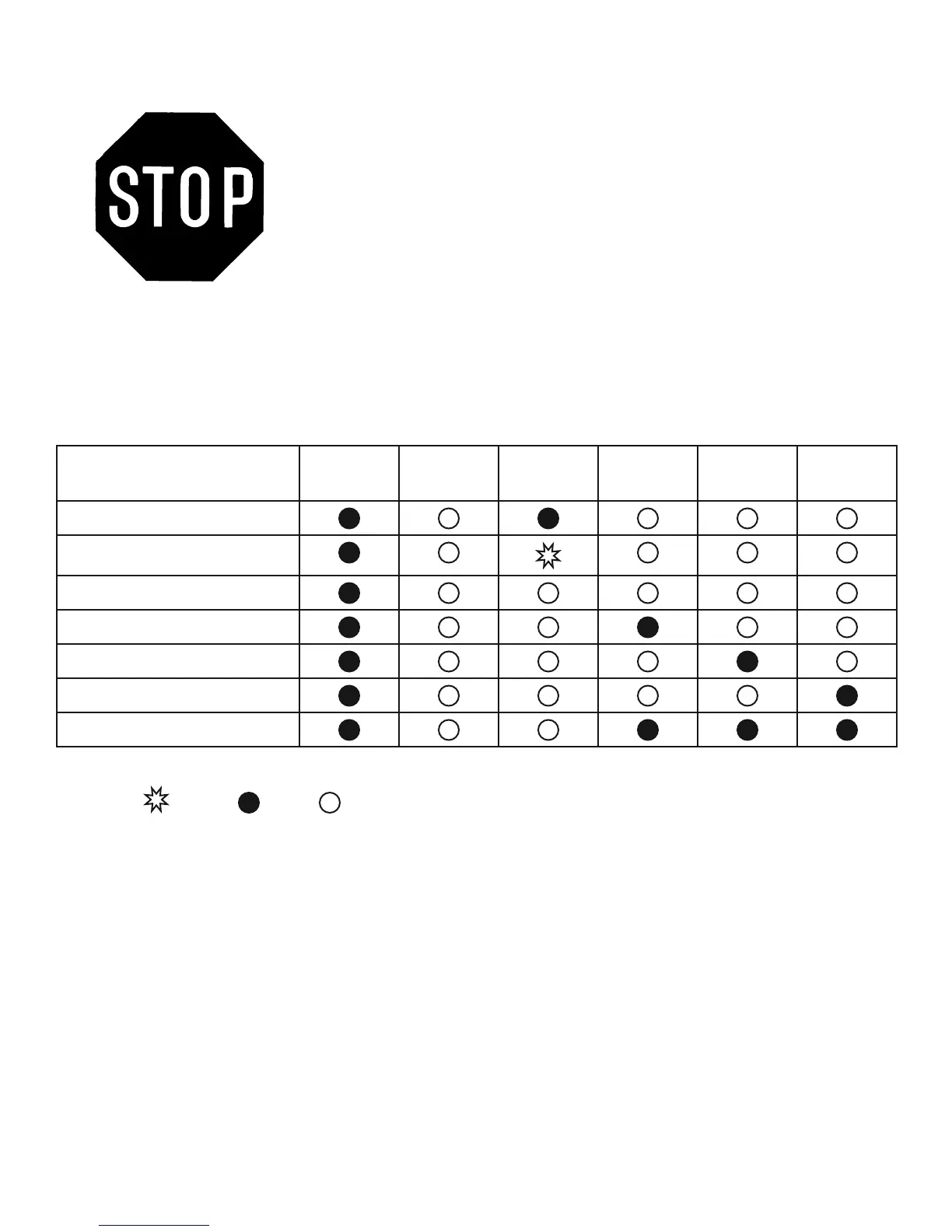
ting plotter is ready to receive data from computer. Below is control panel lights when the different function
keys are in normal conditions.
= fl ash = on = off
Function Power Error On/Off
Line
Repeat Data
Clear
Cut Test
on-line state
pause state
off-line state
repeat
data clear
cut test
origin set
4. Basic Operation 4-7


 To Next Page