2.2 Stand & Flexible Media Handling System Installation
(The Stand and Flexible Media Support System for Lynx S-60 is optional)
Step 1
Examine supplied items in the accessory box of stand carton:
• 20 pieces of M6 (Alan head) screws
• 20 pieces of spring washers
• 20 pieces of washers
• 4 pieces black wheels (casters)
• 1 piece of M6 L- shape hexagon screw driver
• 1 piece of M6 wrench
Step 2
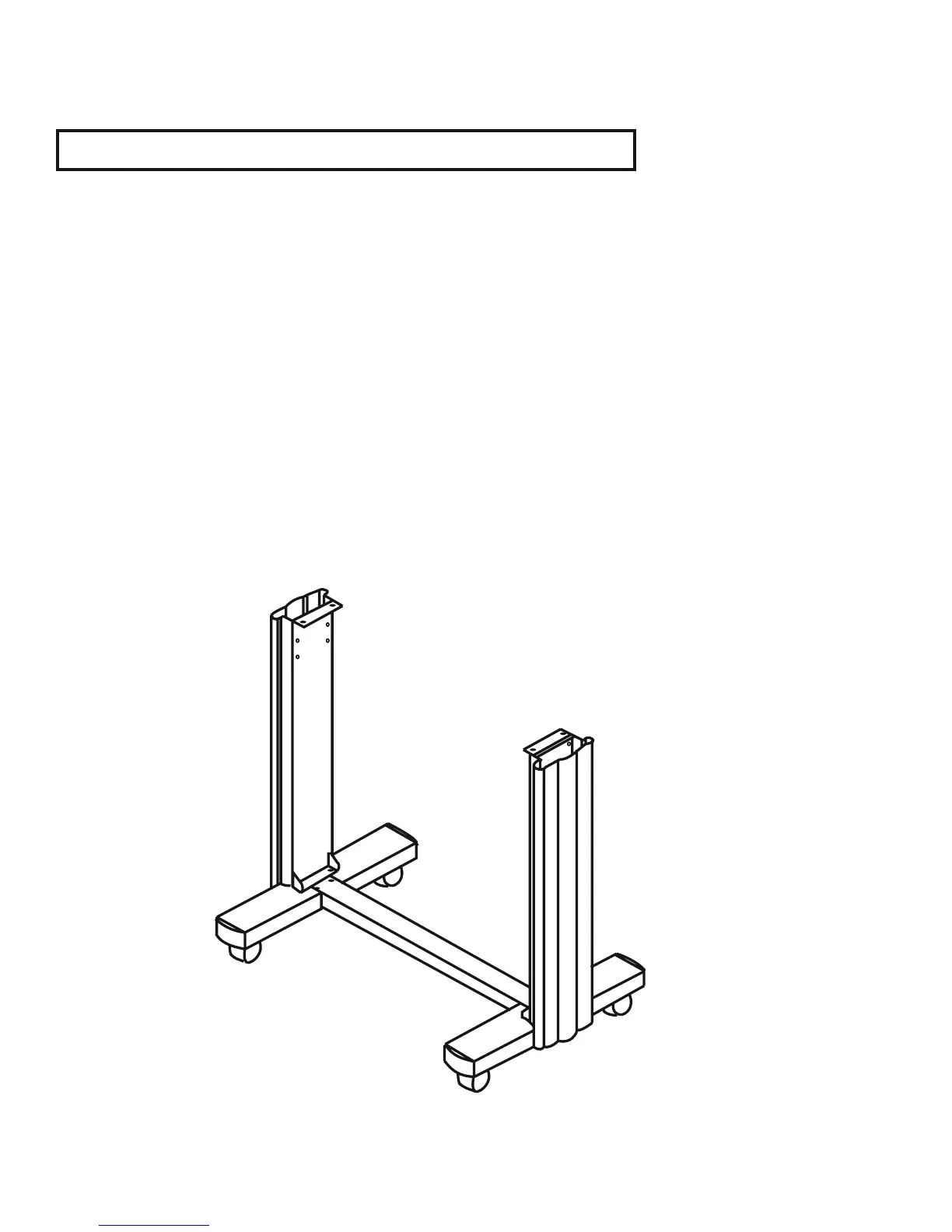
• The stand includes fi ve parts as Figure 2-1, follow the fi gure number to assemble.
Figure 2-1
2. Installation 2-2


 To Next Page