11
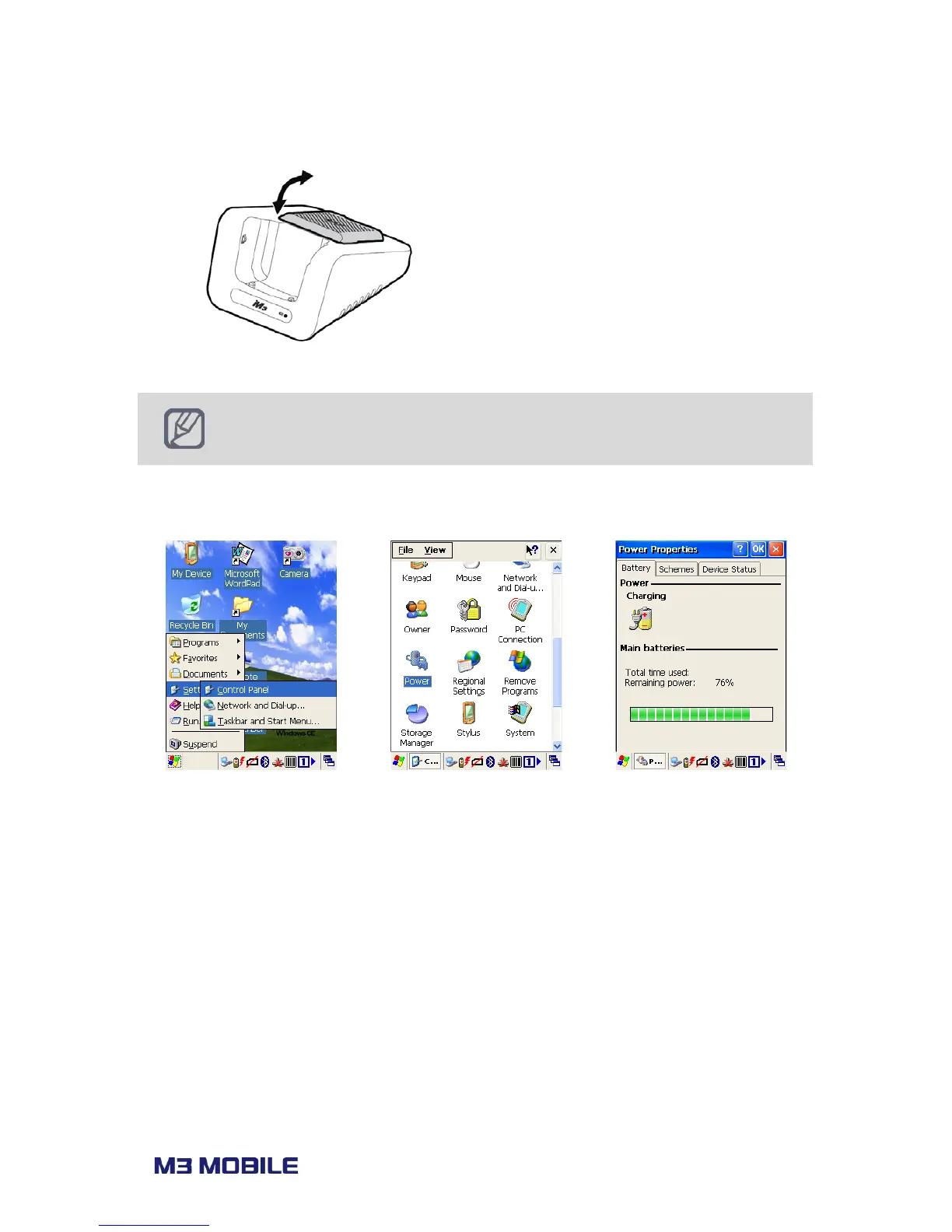
Charging LED on the cradle indicates the charging status.
Remove the spare battery from the charging
slot when charging is done.
Battery attached to the PDA will be charged
first than the spare battery on the cradle,
when two batteries are being charged at
the same time.
M3 Mobile recommends replacing the battery if the battery is being used
for 2 years.
Battery capacity decrease when charging and discharging is repeated.
Snap-on does not support charging of spare battery.
Battery information can be checked in Start
Smart battery used in M3 BLACK enables user to check the charging status while charging.



 To Next Page