SM20 Series
User Manual
13
1.3.2 Turning the Device Off
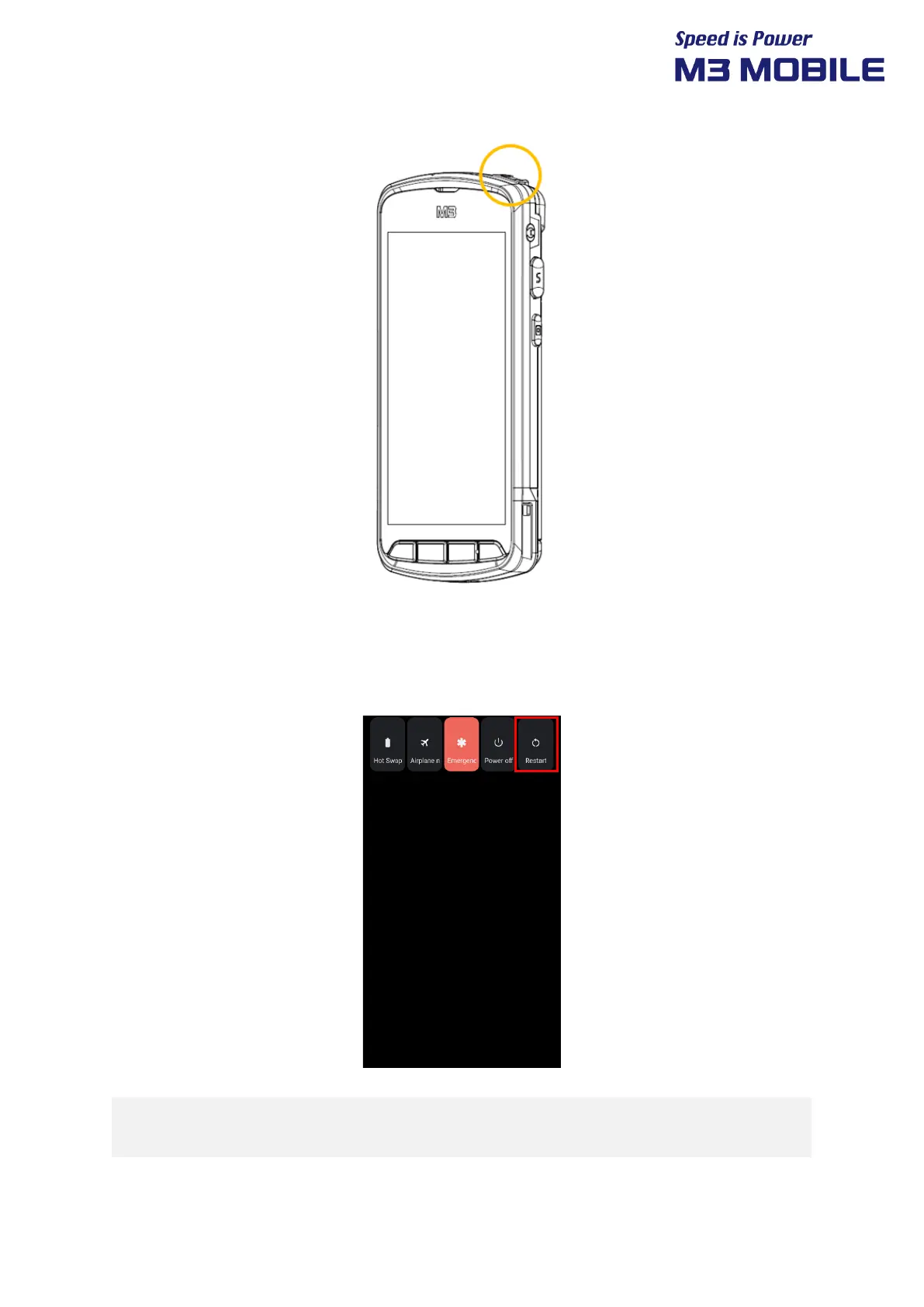
Press and hold the Power button for about one second to display the following pop-up screen.
Select the Power off menu to turn off the power.
If the device stops its operation for a long time, press and hold the Power button for
about eight seconds to forcibly reboot the device.


 To Next Page
 Loading...