Technical Service: tech.support@malighting.com; +49.5251.688865-30 Emergency Line: +49.5251.688865-99 2-Port Node Version 1.1
2121
2121
21
Mounting
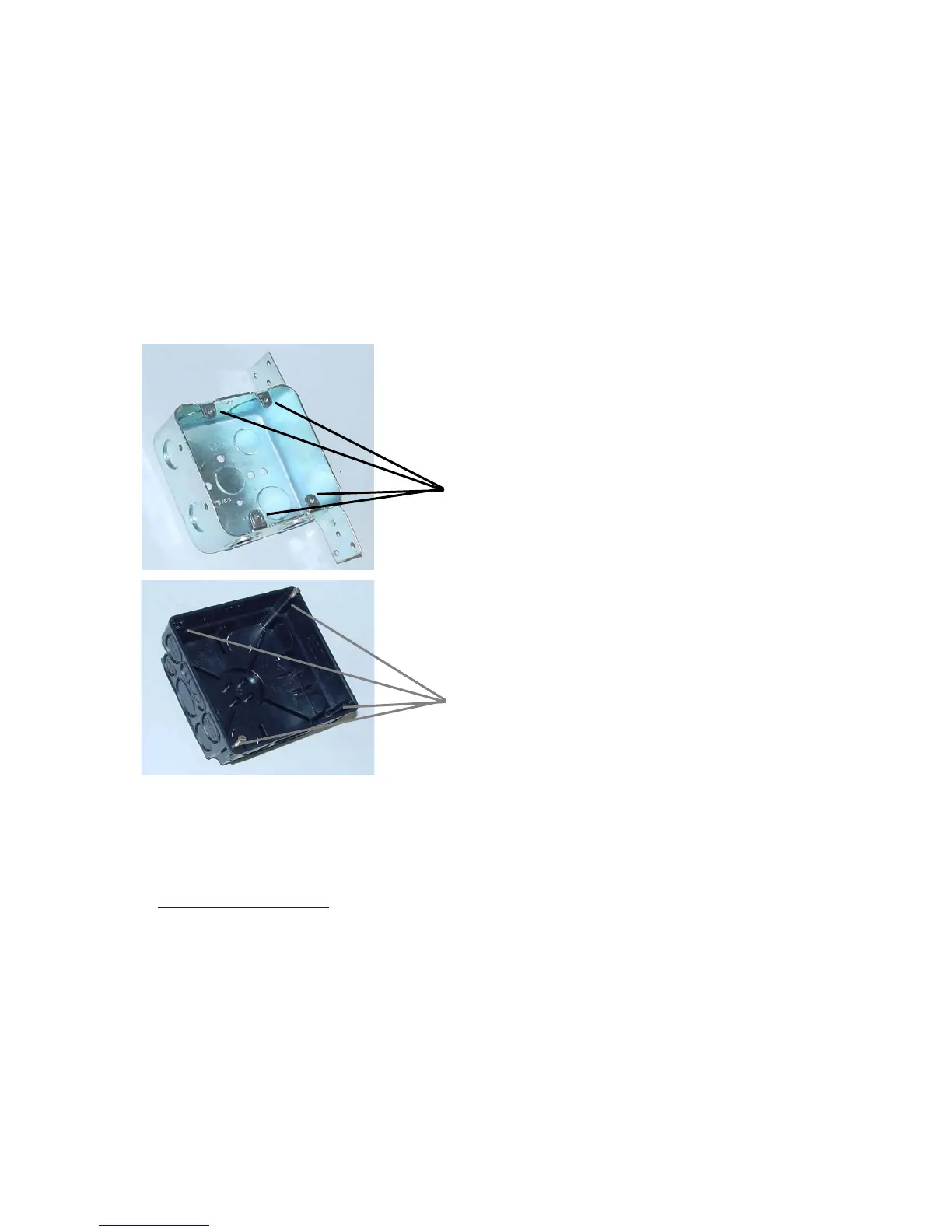
For the flush mounting, you can use standard flush boxes (not supplied).
For US standard flush box Double Gang 4" x 4" x 2" (2-Port Node flush-mount US
version)
Use 4 screws to mount the front cover / PCB combination to the flush box.
Fur UP distribution box 80x80x50 (2-Port Node flush-mount EU version)
Recommendation: UP-box by KAISER
Use 4 screws to mount the front cover / PCB combination to the flush box.
Before the initial startup of the 2-Port Node, please read the general safety instructions
(see chapter 9) and observe the material VDE or EN regulations !
After connecting the network cable, the 2-Port Node is ready for service and can
be configured.



 To Next Page