Advanced configuration of the unit/User interface via web browser
49
Advanced configuration of the unit/User interface via web browser
NOTE
The unit also has the IP address 10.254.254.254 assigned by default.
This IP address may not be modied by the user.
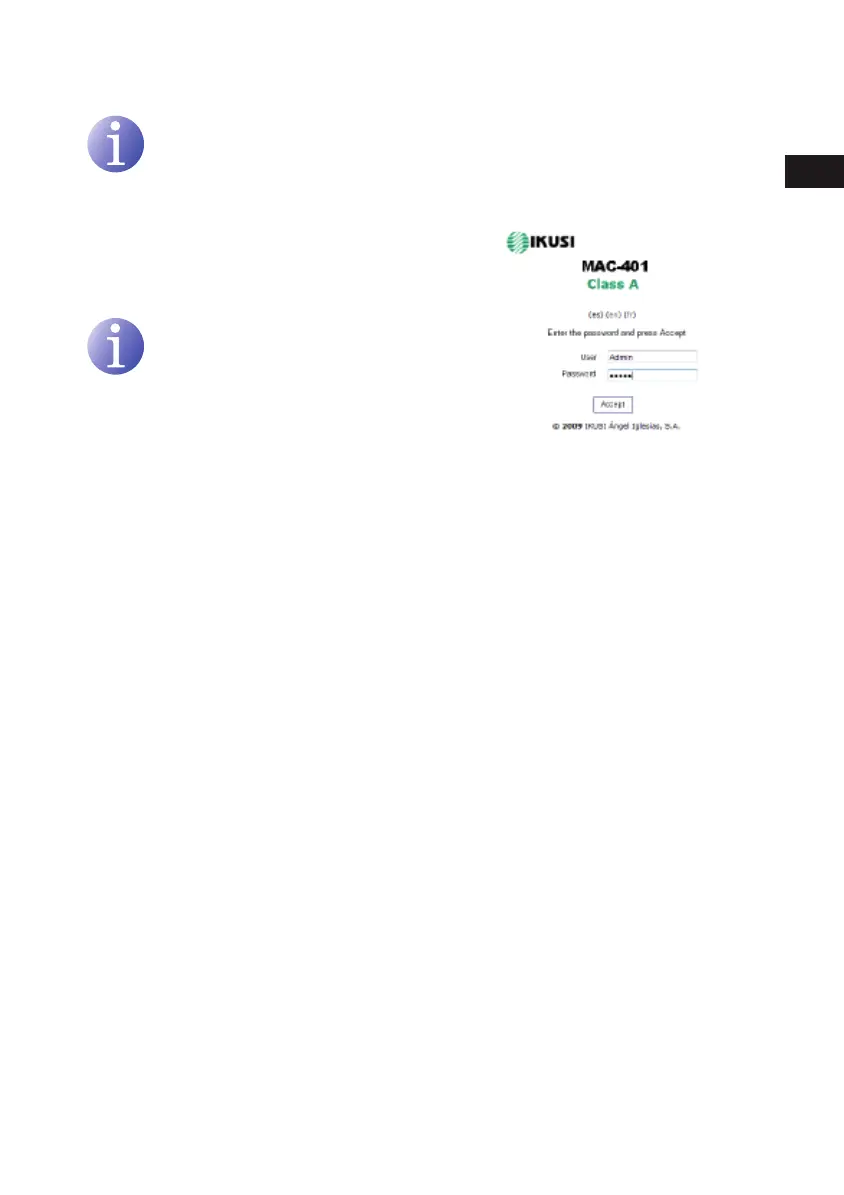
4) Press ENTER to access to the welcome
screen.
5) Enter the user name “Admin” and the password
“admin”.
NOTE
The process of conguration and setting
via Ethernet connection is explained in the
“Web interface user manual” available at
http://www.ikusi.com.
en



 To Next Page