45
Unit installation and configuration/Status of the unit
Ì
wITHOUT mODEL: the NIT generated
by the unit is inserted.
Ì
INTEGRATION wITH mODEL NIT: the information generated by the unit is
integrated in a selected model NIT. If the TSID coincides, it replaces the infor-
mation in the model NIT with that of the unit.
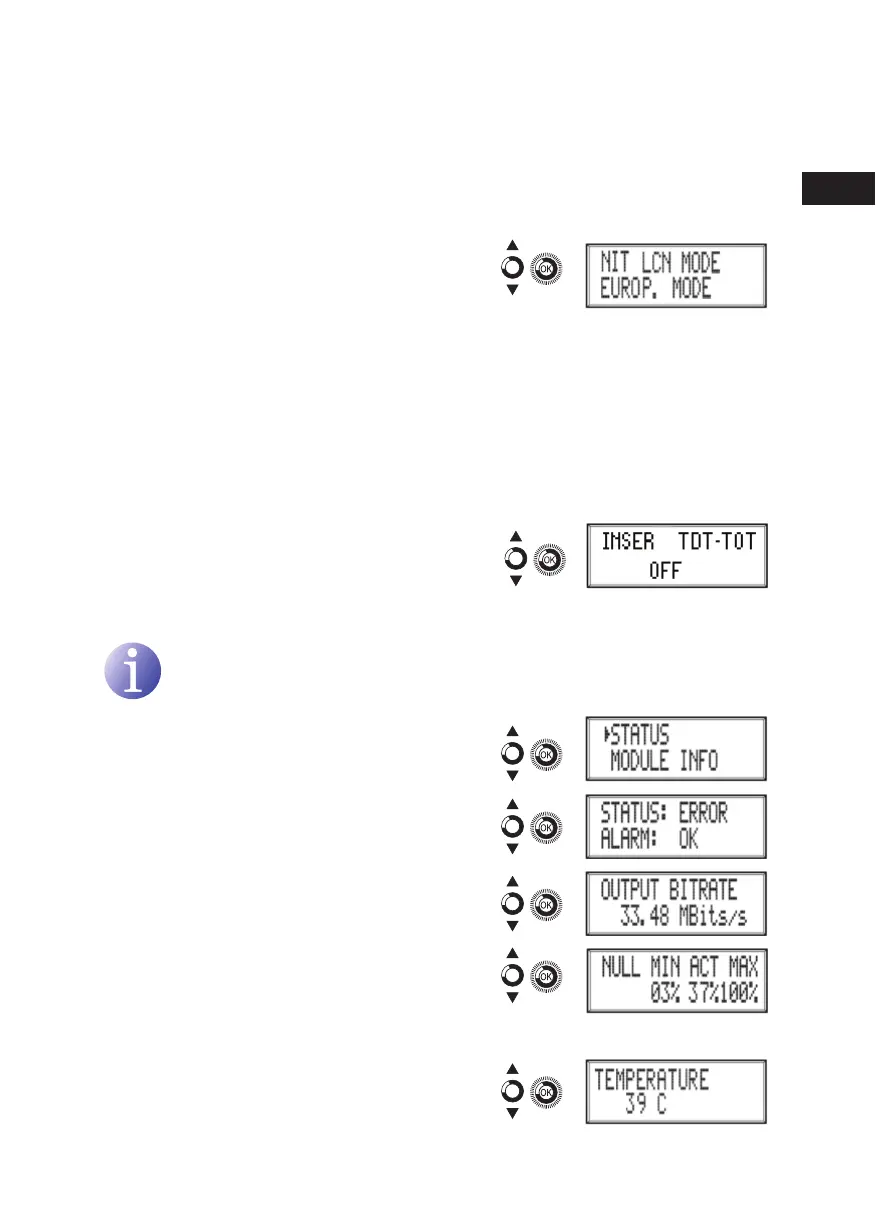
g) Locate and select the option NIT LCN
mODE. Allows you to select the mode of
the NIT LCNs:
Ì
OFF: the LCN descriptor is not inserted in the NIT
Ì
EUROPE mODE: the descriptor for Europe is inserted.
Ì
INDEPENDENT TELEvISION COmmISSION: the descriptor for the UK is
inserted.
Ì
NORDIG mODE v1: the descriptor according to the Nordig V1 specication is
inserted.
Ì
NORDIG mODE v2: the descriptor according to the Nordig V2 specication is
inserted.
Ì
GENERIC mODE: generic LCN descriptor.
h) Locate and select the option TDT-TOT
mODE.. Allows deactivating date and hour
insertion in the receptor.
Status of the unit
NOTE
The unit lets you see its status in detail and the existence of active alarms in the
module.
1) Locate and indicate STATUS.
a) Locate and indicate STATUS: **. The unit
displays its status and alarms: Ok / ER-
ROR.
b) Locate and indicate OUTPUT BITRATE.
The unit displays the output data speed in
mBITS/S.
c) Locate and indicate mIN ACT mAX
NULL. The unit displays the volume of
null data packets in the output (minimum,
actual and maximum) as a percentage of
the total.
d) Locate and indicate TEmPERATURE. The
unit displays its temperature.
en



 To Next Page