45
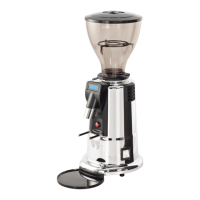
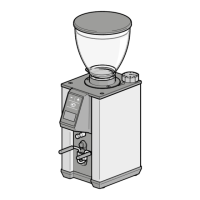
LEO 55 - LEO 55 essential
EN
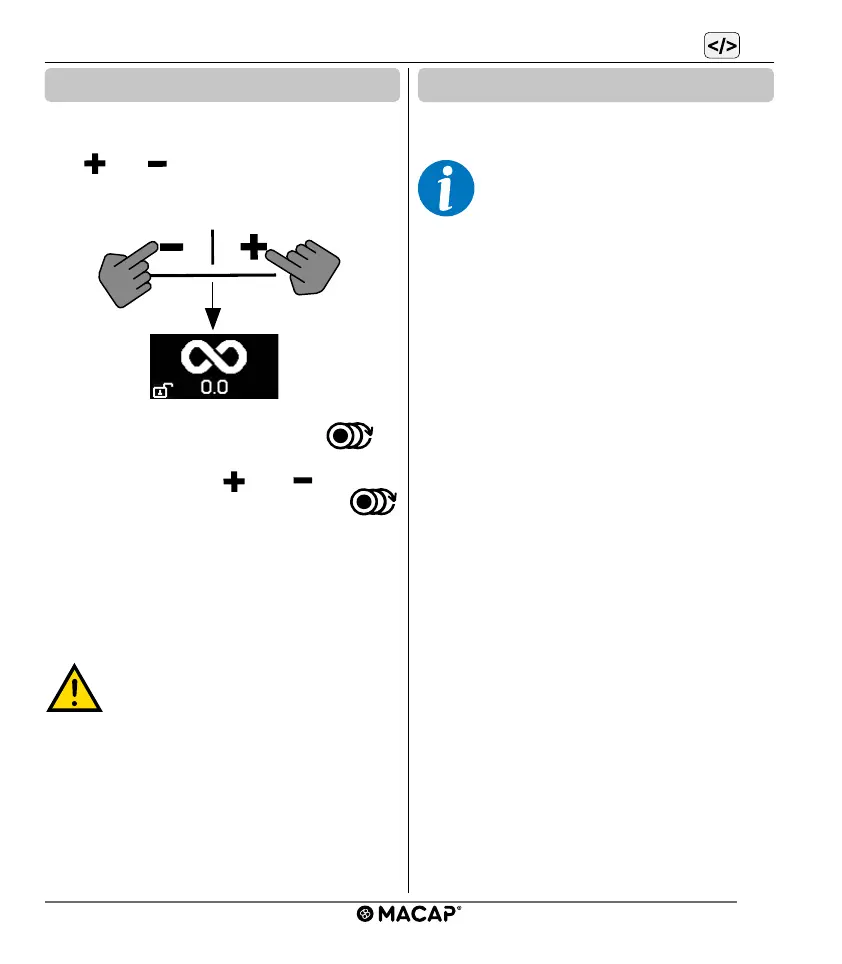
To enable the continuous dose, proceed as fol-
lows: enter the programming menu, scroll with
the “
” or “ ” buttons until the “INFINITY”
symbol of the continuous dose is displayed.
Press the dose selection button to
activate the ON/OFF function and make the
selection via button “
” or “ “. Conrm
by pressing the dose selection button
again. Select EXIT and press the dose selec-
tion button to exit programming. The operation
menu will allow you to choose continuous
dose, if enabled.
The machine can only
work in continuous mode
for short periods. Never
exceed one minute in
continuous time to avoid
overheating the motor.
MACCHINA
IN
MANUTENZIONE
VIETATO
L’ACCESSO
oltre questo limite
ATTENZIONE
ORGANI
IN MOVIMENTO
ATTENZIONE
CORRENTE
ELETTRICA
MANUTENZIONE ORDINARIA
OLIARE INGRASSARE
TUTTE LE PARTI IN MOVIMENTO
OGNI 30 GG
MACCHINA
IN
MANUTENZIONE
VIETATO
L’ACCESSO
oltre questo limite
ATTENZIONE
ORGANI
IN MOVIMENTO
ATTENZIONE
CORRENTE
ELETTRICA
MANUTENZIONE ORDINARIA
OLIARE INGRASSARE
TUTTE LE PARTI IN MOVIMENTO
OGNI 30 GG
6.4 Continuous dose
6.5 Release
The programming menu also displays the
version of the software used by the machine.
This information may be requested by
service in the event of malfunctions.


 To Next Page