147867 24 Revision J
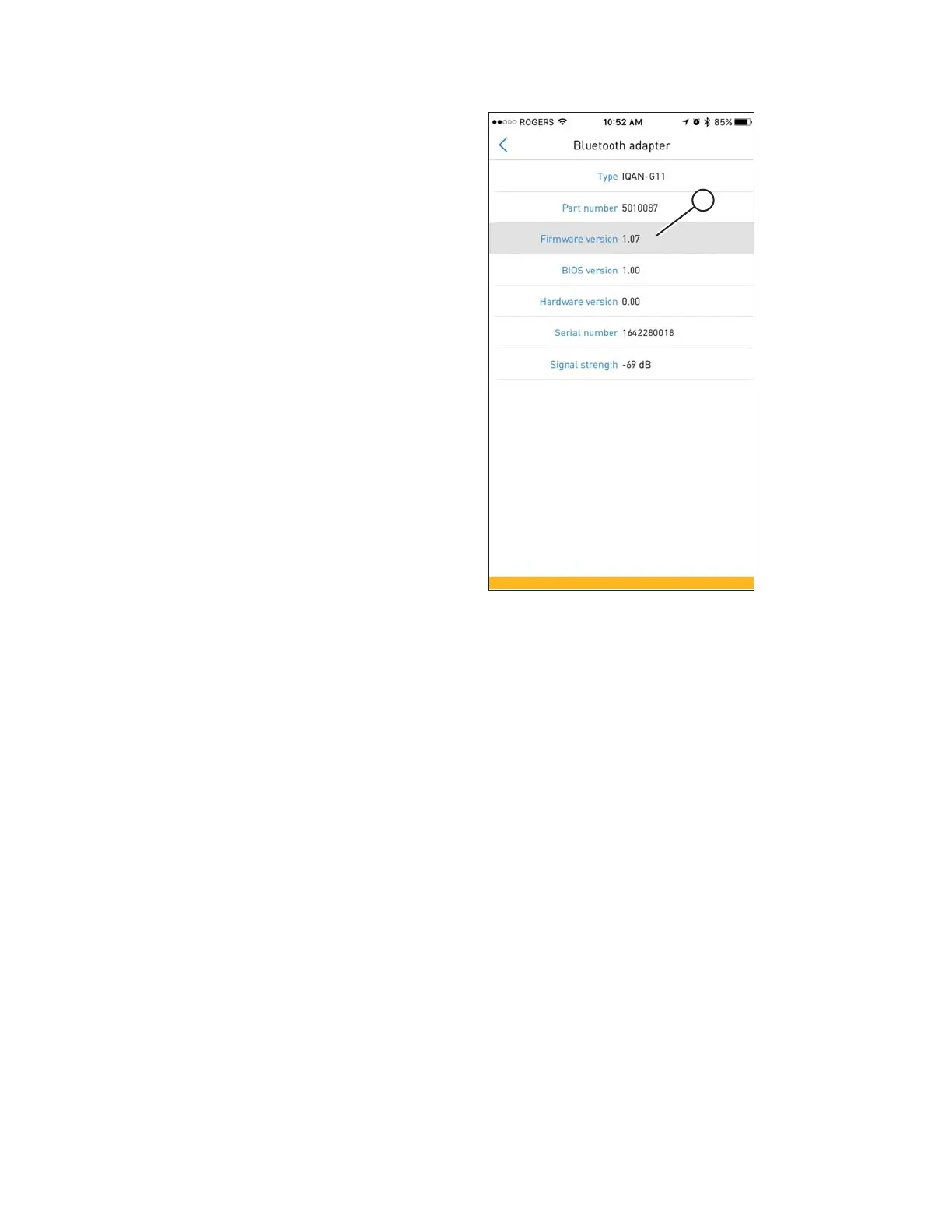
Figure 3.35: Firmware Update
8. The BLUETOOTH ADAPTER screen displays the updated
firmware version (A). Close the app once complete.
9. If the master controller software is going to be updated,
leave the IQAN G11 Bluetooth
®
Module in place.
Otherwise, remove it. For instructions, refer to 3.7
Removing an IQAN G11 Bluetooth
®
Module, page 44.
3.4.2 Updating Firmware on an IQAN G11 Bluetooth
®®
Module – Android
This procedure is optional. It is only required if a firmware update is available.
1. Install IQAN G11 Bluetooth
®
Module. Refer to 3.4 Installing an IQAN G11 Bluetooth
®
Module, page 19.
INSTALLATION INSTRUCTIONS



 To Next Page