147867 31 Revision J
3.6 Updating Master Controller Software
Master controller software is updated using the IQANsync application which is available for Apple iOS and Android devices.
Refer to one of the following procedures depending on your device:
• 3.6.1 Updating Master Controller Software – iOS, page 31
• 3.6.2 Updating Master Controller Software on an Android Device, page 38
3.6.1 Updating Master Controller Software – iOS
Before updating the master controller, ensure you have completed the following tasks:
• Install the IQANsync application from the Apple App store onto a Bluetooth
®
enabled iOS device. Refer to 3.3.1
Installing the IQANsync App – iOS, page 15
• Install an IQAN G11 Bluetooth
®
Module. Refer to 3.4 Installing an IQAN G11 Bluetooth
®
Module, page 19
• Download the master controller software update from the MacDon Dealer Portal. Refer to 3.5 Downloading Master
Controller Software Update, page 29
IMPORTANT:
Filenames are case sensitive and MUST remain in original format. Additional characters in the filenames can cause
problems in the update process.
Transferring software update file to the IQANsync application
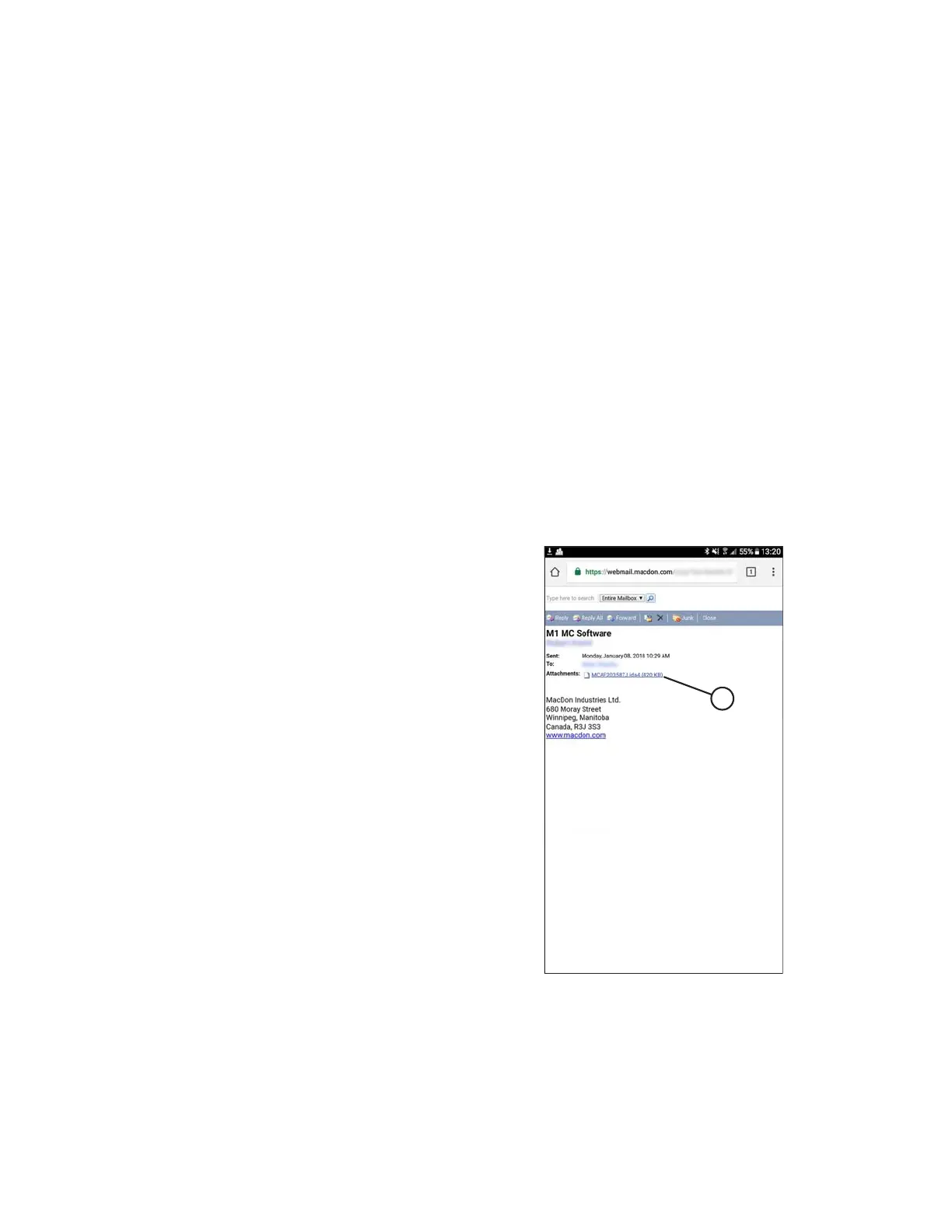
Figure 3.47: File Attachment
1. This procedure continues from Step 7, page 30. Open your
email program and find the e-mail with ida4 file
attachment (A).
From here, the procedure varies depending on the software
versions installed on your device. There are three options;
follow whichever one works for you.
2. Options 1 and 2: To transfer the file from your email to the
IQANsync app, tap and hold the file. A file share window
will display.
INSTALLATION INSTRUCTIONS


 To Next Page