147867 41 Revision J
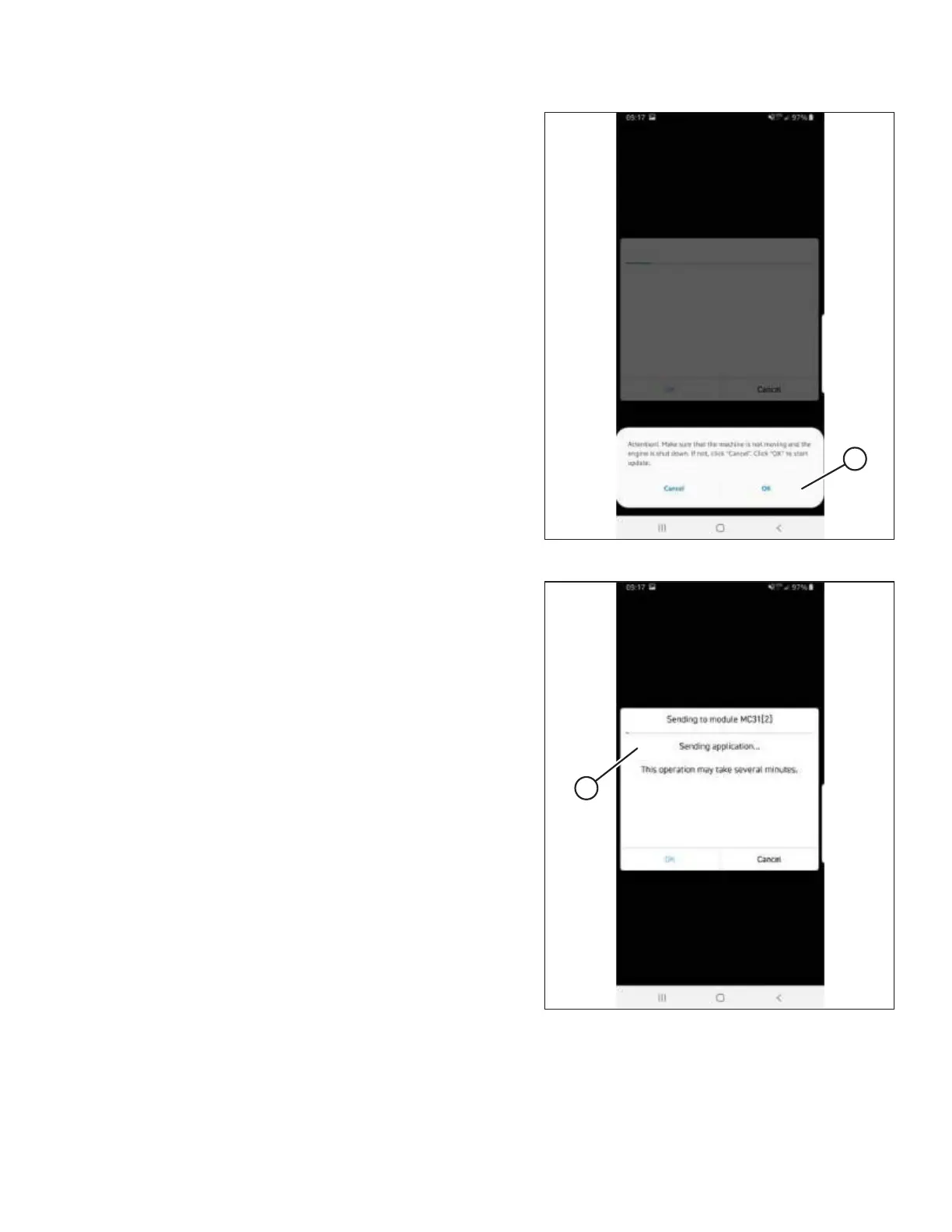
Figure 3.66: IQANsync
10. Check that the engine is OFF, the ignition key is in ACC
position, and the windrower is not moving, then select OK
to start the update.
IMPORTANT:
Decline all phone calls while the update is in progress and
stay in range of the IQAN G11 Bluetooth
®
Module in the
cab headliner. Accepting phone calls or walking out of range
interrupts the update causing you to start again.
Figure 3.67: IQANsync
11. A Sending to module screen (A) appears.
INSTALLATION INSTRUCTIONS



 To Next Page