Using the Paint window 105
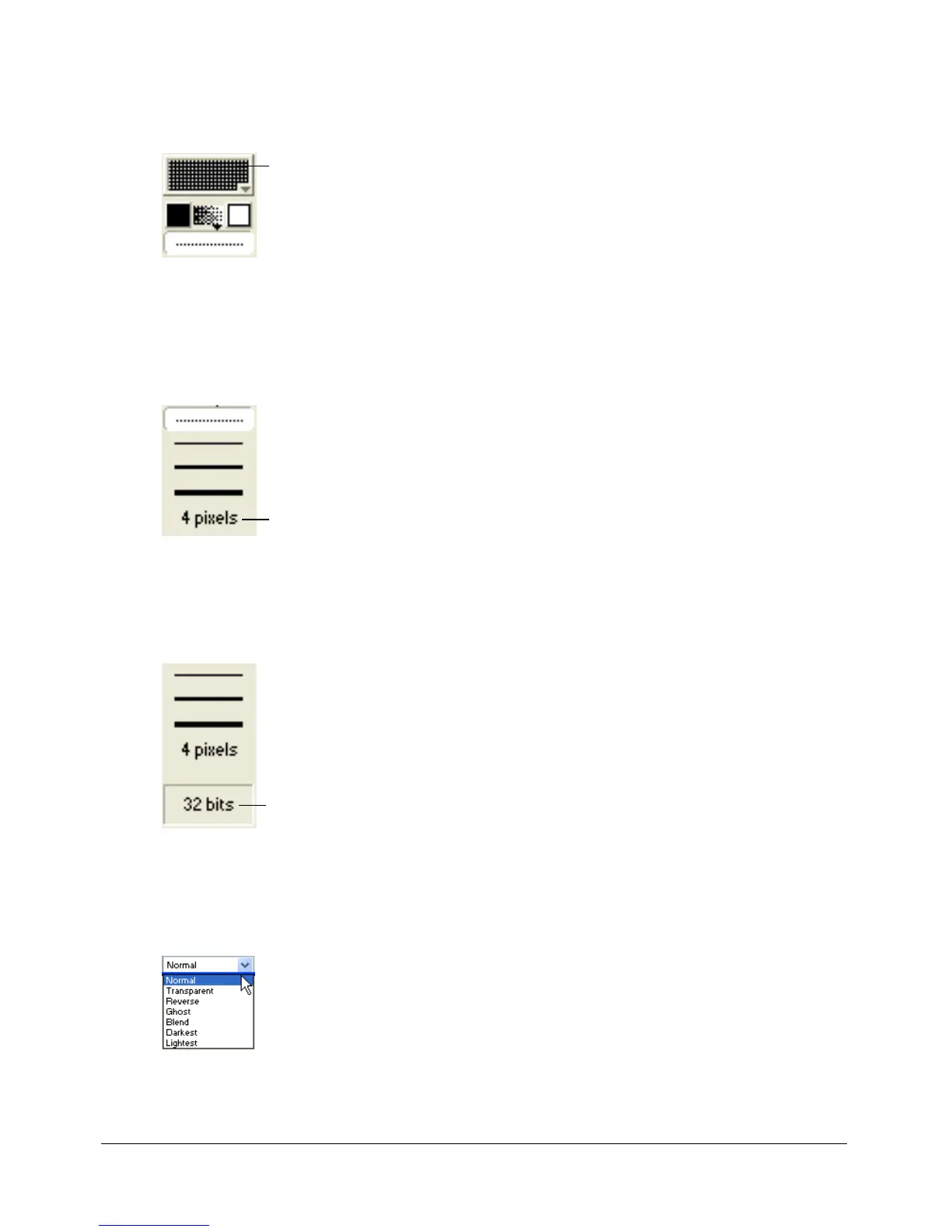
To select a pattern for the foreground color, do one of the following:
• To change the pattern palette, select Pattern Settings at the bottom of the Patterns
pop-up menu.
• To define a tile—a pattern that is based on a rectangular section of an existing cast member—
select Tile Settings from the Patterns pop-up menu. For more information, see “Editing
patterns” on page 120 and “Creating a custom tile” on page 120.
To select a line thickness, do one of the following:
• Click the None, One-, Two-, or Three-Pixel Line button.
• Double-click the Other Line Width button to open the Paint Window Preferences dialog box,
and assign a width to the line.
To change the color depth of the current cast member:
• Double-click the Color Depth button to open the Transform Bitmap dialog box.
The button displays the color depth of the current cast member. For more information, see
“Changing size, color depth, and color palette for bitmaps” on page 113.
To select a Paint window ink:
• Select the type of ink from the Ink pop-up menu at the lower left of the window.
For more information, see “Using Paint window inks” on page 121.
Patterns
Other line width
Color Depth



 To Next Page