Using Cast Thumbnail view 33
Using Cast Thumbnail view
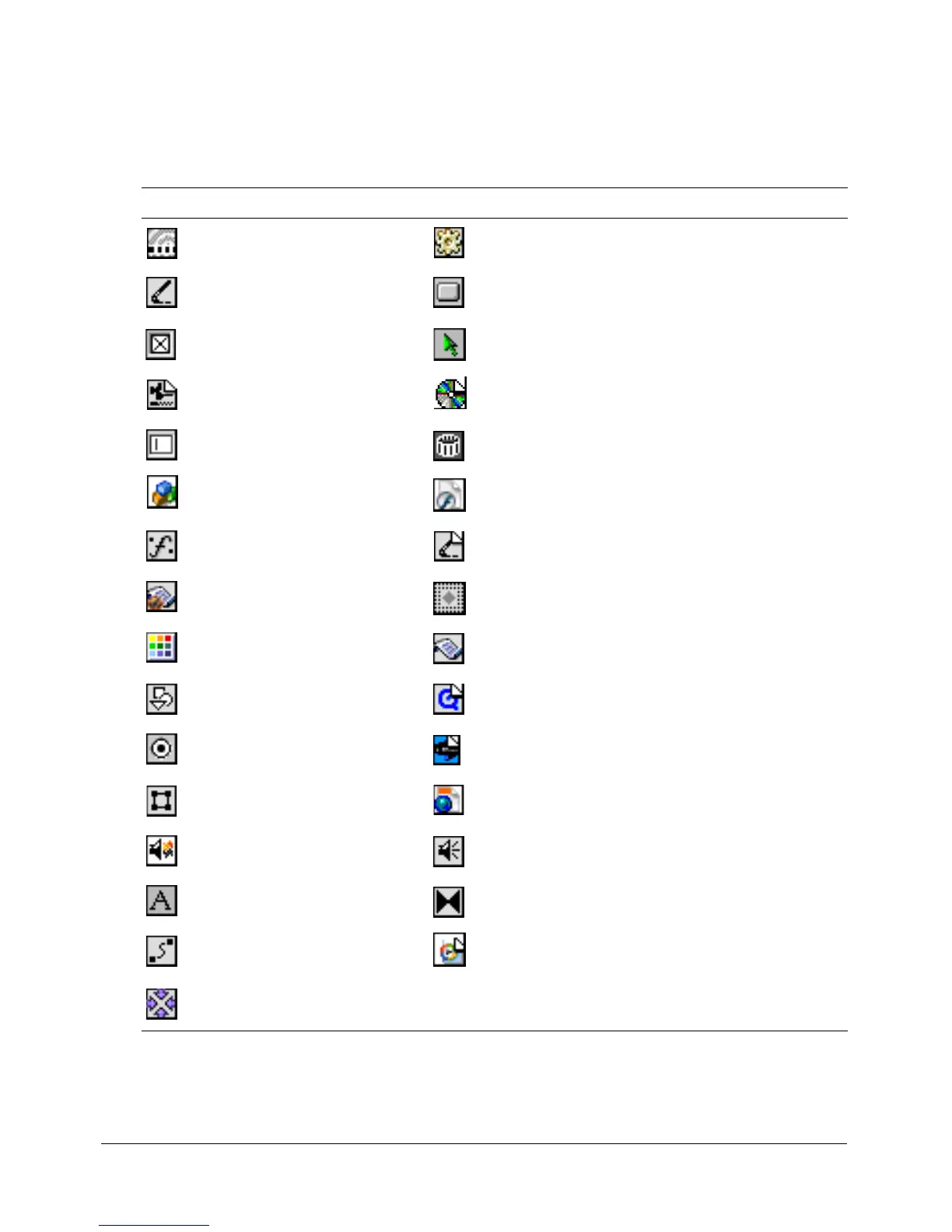
As the name suggests, the Cast Thumbnail view shows a very small (thumbnail) version of the
cast member, along with an icon that represents the cast member media type, as shown in the
following table:
Icon Cast member type Icon Cast member type
Animated GIF Behavior
Bitmap Button
Check box Custom cursor
Digital video DVD
Field Film loop
Flash component Flash movie
Font Linked bitmap (all linked cast member icons are
changed in the same way)
Movie script OLE
Palette Parent script
PICT QuickTime video
Radio button RealMedia
Shape Shockwave 3D
Shockwave Audio Sound
Text Transition
Vector shape Windows Media
Xtra



 To Next Page