306 Chapter 14: 3D Basics
Using the Shockwave 3D window
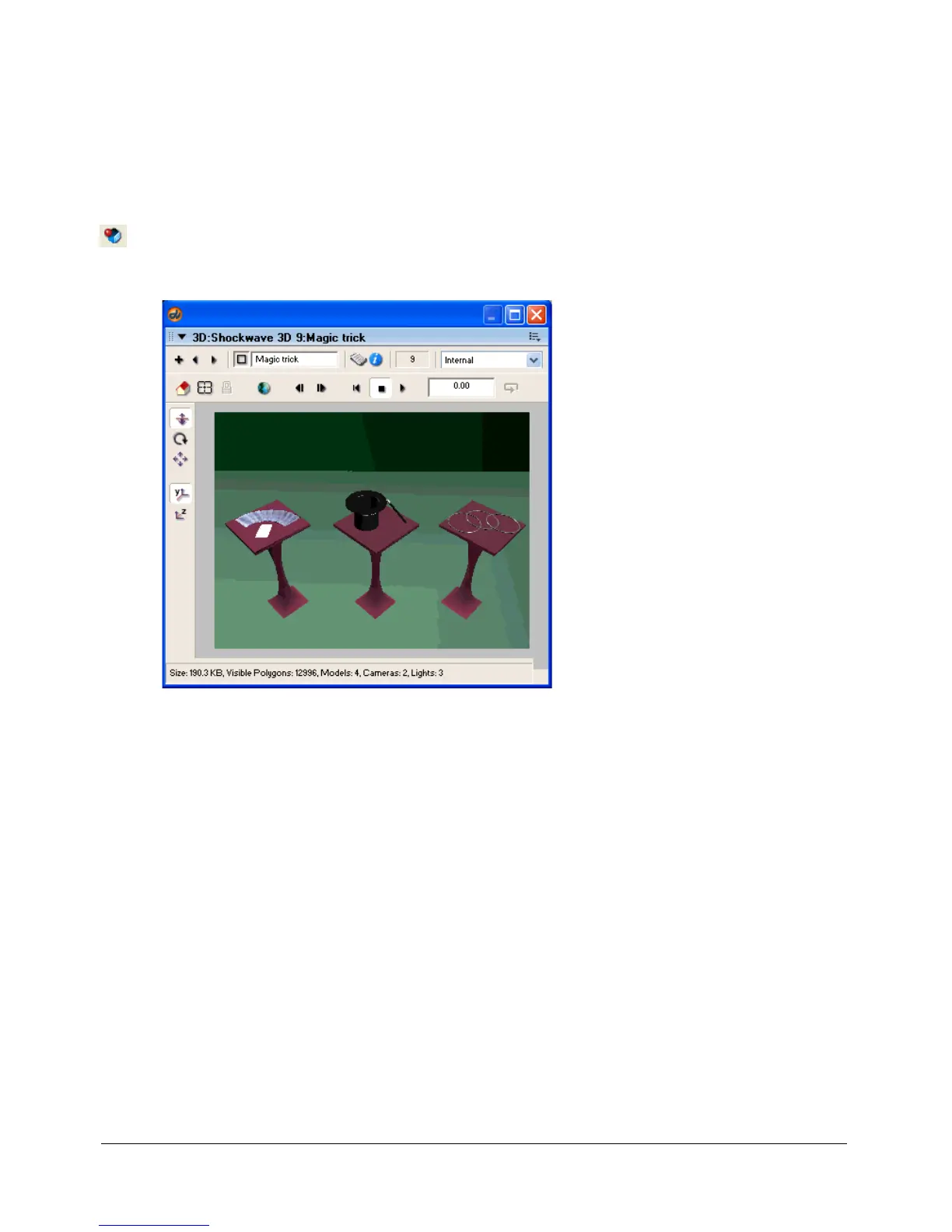
The Shockwave 3D window provides an easy way for you to inspect a 3D cast member. Some
properties of 3D cast members can also be edited in this window.
To use the Shockwave 3D window:
1 Select a 3D cast member in the cast.
2 Click the Shockwave 3D Window button on the Director toolbar.
The Shockwave 3D window appears, displaying the 3D cast member currently selected
in the cast.



 To Next Page