54 Chapter 3: Sprites
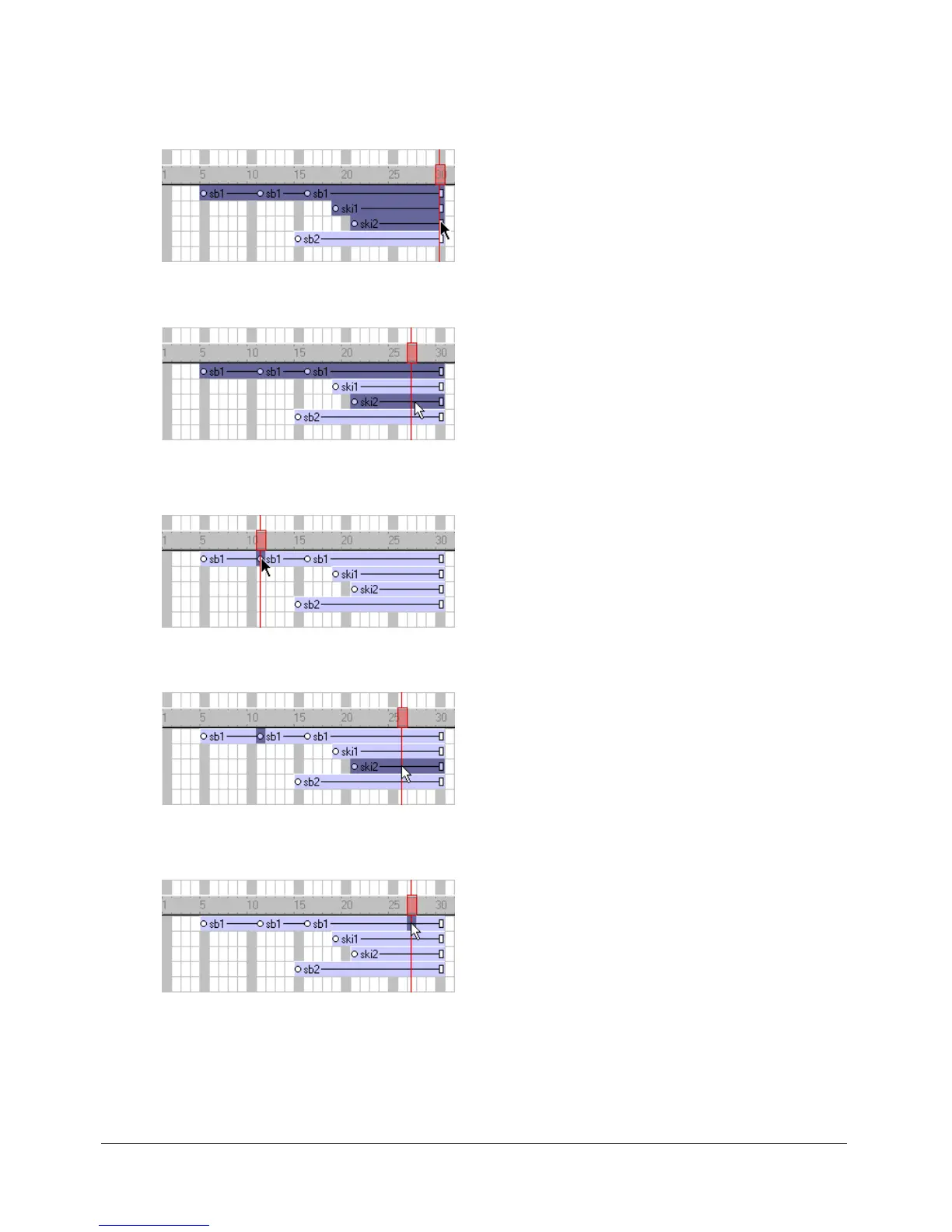
• To select a contiguous range of sprites either on the Stage or in the Score, select a sprite at one
end of the range and then Shift-click a sprite at the other end of the range. You can also drag to
select all the sprites in an area.
• To select discontiguous sprites, Control-click (Windows) or Command-click (Macintosh) the
discontiguous sprites.
To select a keyframe, do one of the following:
• To select only a keyframe, click the keyframe indicator.
• To select a keyframe and sprites at the same time, Control-click (Windows) or Command-click
(Macintosh) the keyframe and the desired sprites.
To select a frame within a sprite that is not a keyframe, do one of the following:
• In the Score, Alt-click (Windows) or Option-click (Macintosh) the frame within the sprite.
• On the Stage, Alt-click (Windows) or Option-click (Macintosh) to select only the current
frame of the sprite. The sprite appears on the Stage with a single border.
To select all the sprites in a channel:
• Click the channel number at the left side of the Score.



 To Next Page