76 Chapter 3: Sprites
To change the color of a sprite with Lingo or JavaScript syntax, set the appropriate
sprite property:
• The color sprite property sets the sprite’s foreground color. The value is an RGB value.
For more information about this property, see the Scripting Reference topics in the Director
Help Panel.
• The bgColor sprite property sets the sprite’s background color. The value is an RGB value.
For more information about this property, see the Scripting Reference topics in the Director
Help Panel.
Setting blends
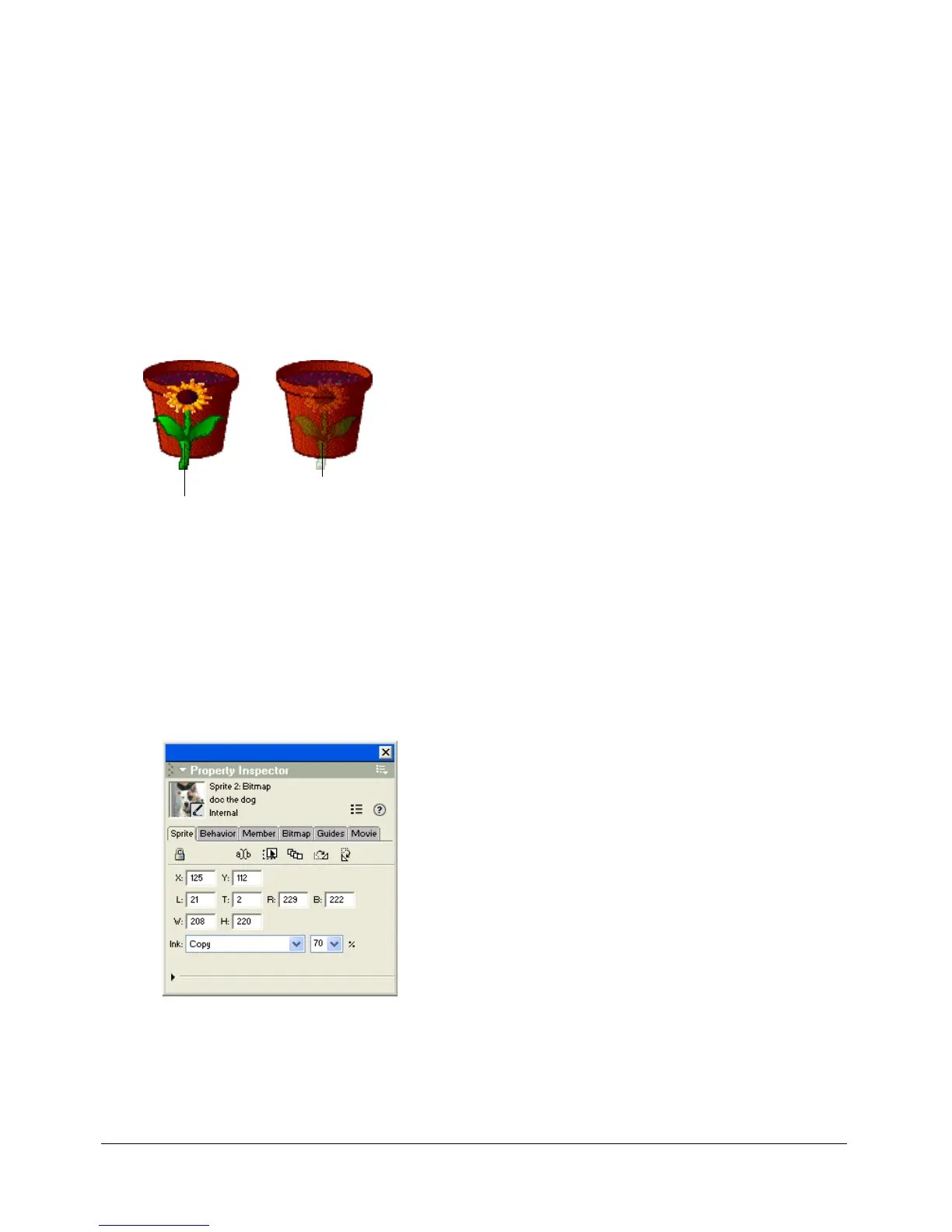
You can use blending to make sprites transparent. To change a sprite’s blend setting, use the Sprite
tab in the Property inspector.
Director can gradually change blend settings to make sprites fade in or out. See “Tweening other
sprite properties” on page 86.
The Blend percentage value affects only Copy, Background Transparent, Matte, Mask,
and Blend inks.
To set blending for a sprite:
1 Select the sprite.
2 Select a percentage from the Blend pop-up menu in the Property inspector, or enter a blend
percentage between 0 and 100.
To set blending with Lingo or JavaScript syntax:
• Set the blend sprite property. For more information about this property, see the Scripting
Reference topics in the Director Help Panel.
Blend setting of 100%
Blend setting of 30%



 To Next Page