68 Chapter 3: Working with Vector Objects
Converting path segments to straight or curved
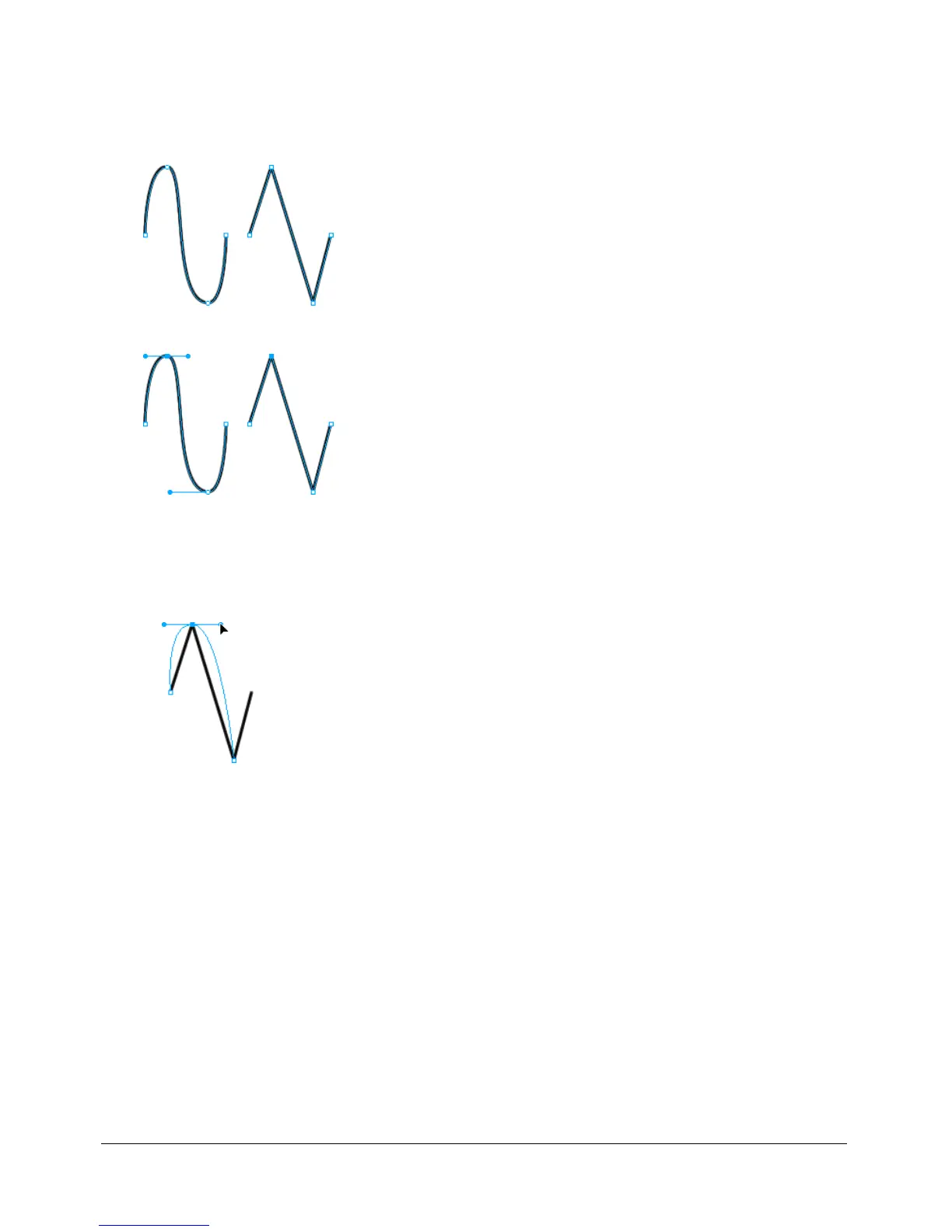
Straight path segments are intersected by corner points. Curved path segments contain
curve points.
You can convert a straight segment to a curved segment and vice versa by converting its point.
To convert a corner point to a curve point:
1 Choose the Pen tool.
2 Click a corner point on a selected path and drag away from it.
The handles extend, curving the adjacent segments.
Note: To edit the point’s handles, choose the Subselection tool or press Control (Windows) or
Command (Mac) while the Pen tool is active.


 To Next Page
 Loading...