Drawing vector objects 69
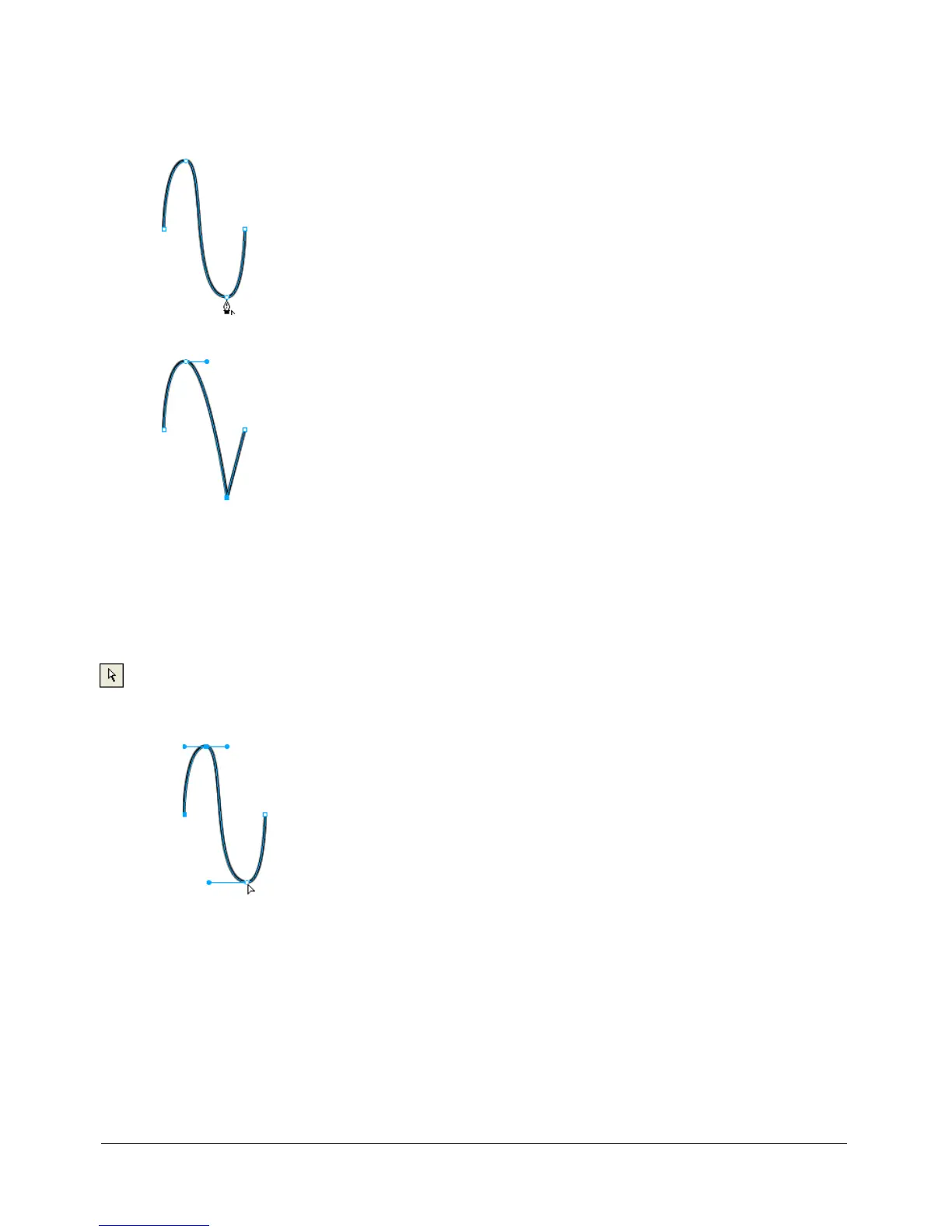
To convert a curve point to a corner point:
1 Choose the Pen tool.
2 Click a curve point on a selected path.
The handles retract, and the adjacent segments straighten.
Selecting points
The Subselection tool allows you to select multiple points. Before selecting a point with the
Subselection tool, you must select the path using the Pointer or Subselection tool or by clicking its
thumbnail in the Layers panel.
To select specific points on a selected path:
1 Choose the Subselection tool.
2 Do one of the following:
■ Click a point, or hold down Shift and click multiple points one by one.
■ Drag around the points to be selected.
To display a curve point’s handles:
• Click the point with the Subselection tool. If either point nearest the clicked point is a curve
point, the near handle is also displayed.


 To Next Page
 Loading...