About coding in the Actions panel and Script window 53
For example, if you are working in the Script pane and press Escape+d+o, the following code
is placed in your script:
do {
} while ();
The insertion point is placed immediately following the word while, so you can begin typing
your condition. Similarly, if you press Escape+c+h, the following code is placed in your script,
and the insertion point is placed between the parentheses [
()], so you can begin typing your
condition:
catch () {
}
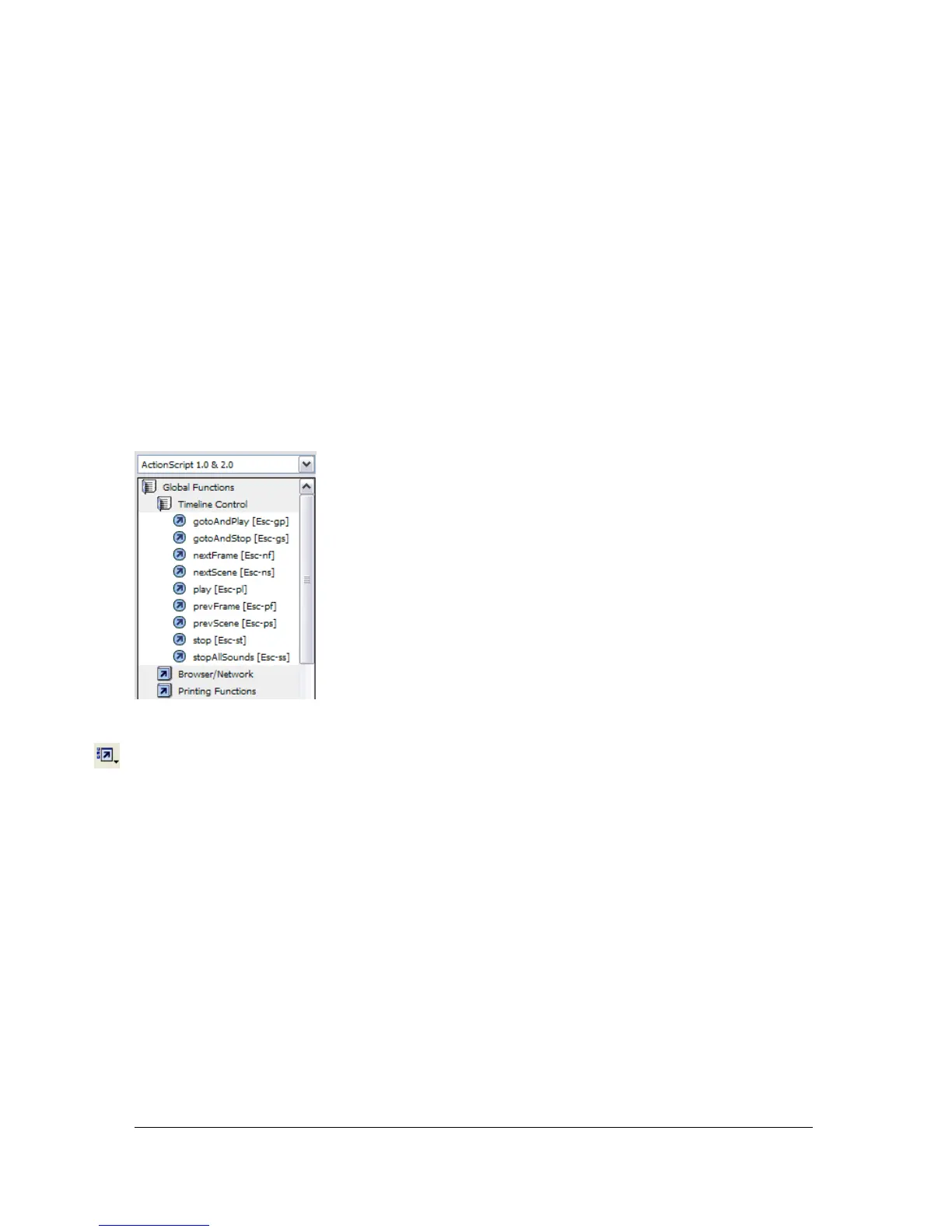
If you want to learn (or be reminded) about which commands have Escape shortcut keys, you
can show them next to elements in the ActionScript toolbox.
To show or hide Escape shortcut keys:
■ From the Actions panel pop-up menu, select or deselect Esc Shortcut Keys.
Escape shortcut keys appear next to elements in the ActionScript toolbox.
Showing hidden characters
As you write and format ActionScript code, you will enter spaces, tabs, and line breaks into
your script. These of course are good and necessary to the visual organization of your code.
However, the Flash compiler generates errors if it encounters double-byte spaces that are not
part of a string value. Showing hidden characters in the Script pane allows you to see and then
remove double-byte spaces.



 To Next Page