54 Writing and Editing ActionScript 2.0
The following symbols are used to display each hidden character:
To show hidden characters, do one of the following:
■ Select Hidden Characters from the pop-up menu.
■ Press Control+Shift+8 (Windows) or Command+Shift+8 (Macintosh).
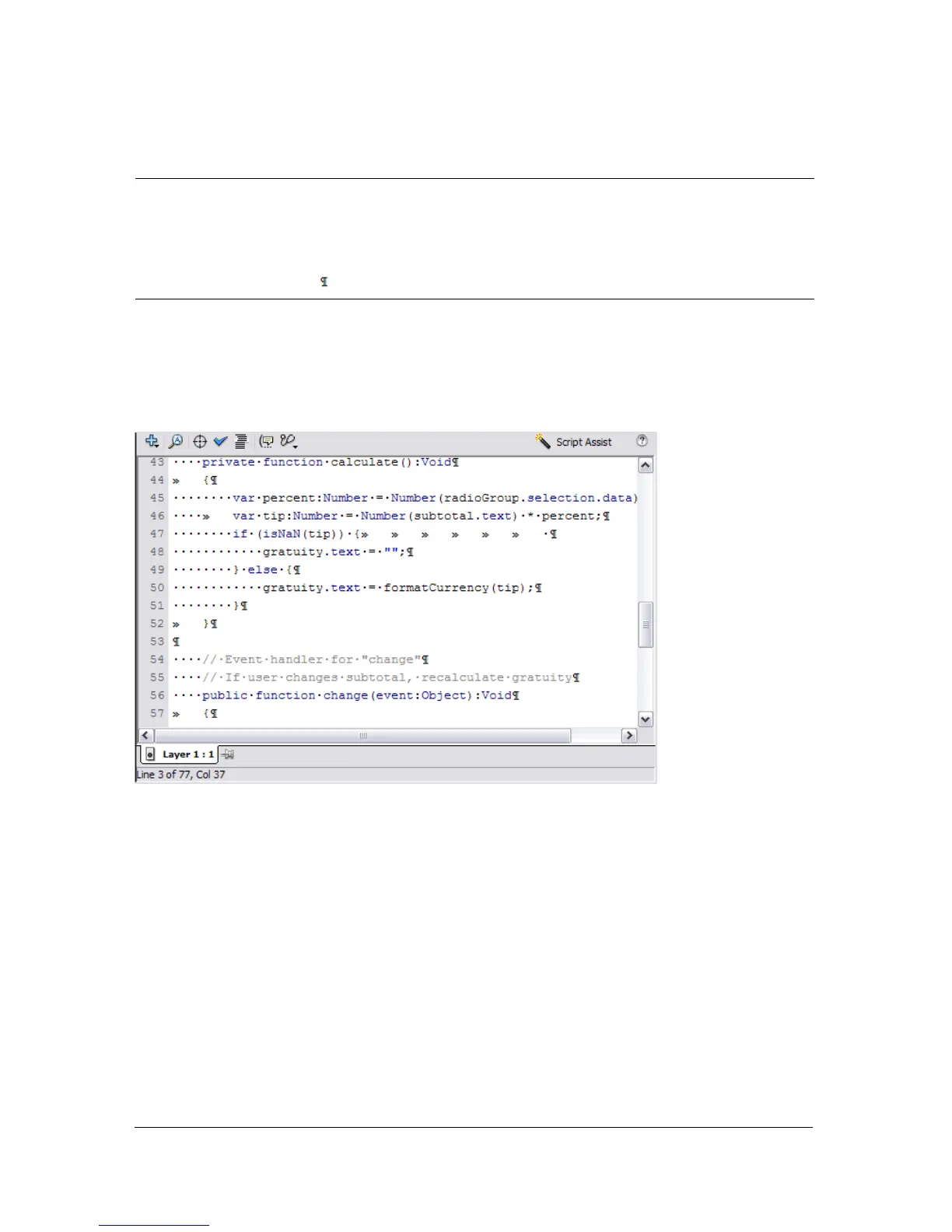
With hidden characters shown, the Script pane looks like this:
Using the Find tool
The Find tool allows you to find and optionally replace text string in your scripts. You may
replace the first or all occurrences of the text in your script. You may also match the case of
the text.
To find text in a script:
1. From the Actions panel or Script window toolbar, select the Find tool or press Control+F
(Windows) or Command+F (Macintosh).
2. Enter the search string that you want to locate in the script.
single-byte space .
double-byte space l
tab >>
line break



 To Next Page