Debugging your scripts 69
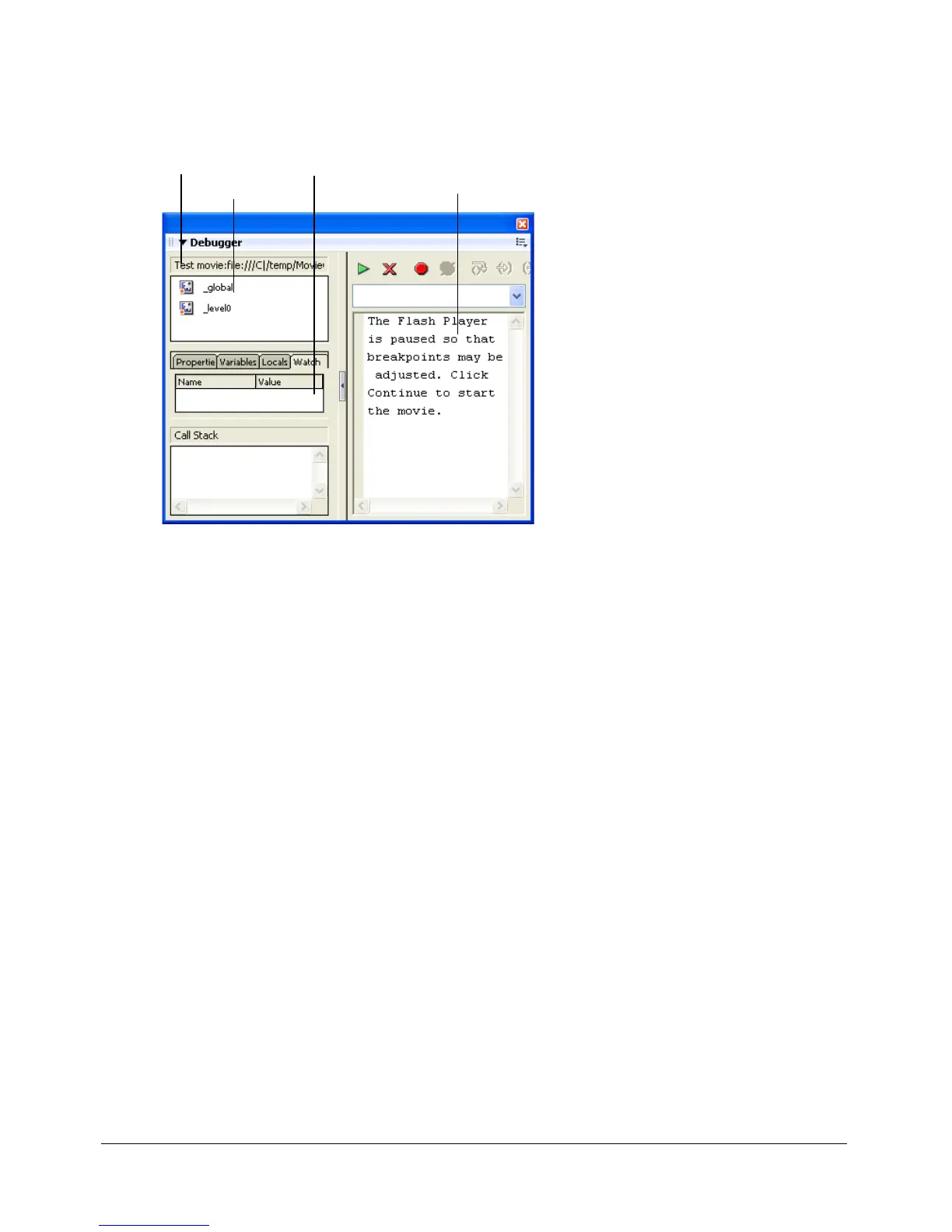
To activate the Debugger in test mode:
• Select Control > Debug Movie.
This opens the Debugger. It also opens the SWF file in test mode.
Debugging a SWF file from a remote location
You can debug a remote SWF file using the stand-alone, ActiveX, or plug-in versions of Flash
Player. When exporting a SWF file, you can enable debugging in your file and create a debugging
password. If you don’t enable debugging, the Debugger will not activate.
To ensure that only trusted users can run your SWF files in the Flash Debug Player, you can
publish your file with a debugging password. As in JavaScript or HTML, it’s possible for users to
view client-side variables in ActionScript. To store variables securely, you must send them to a
server-side application instead of storing them in your file. However, as a Flash developer, you
may have other trade secrets, such as movie clip structures, that you do not want to reveal. You
can use a debugging password to protect your work.
When you export, publish, or test a movie, Flash creates a SWD file that contains debug
information. To debug remotely, you must place the SWD file in the same directory as the SWF
file on the server.
Display list Code view
Status bar
Watch list



 To Next Page