70 Chapter 3: Writing and Debugging Scripts
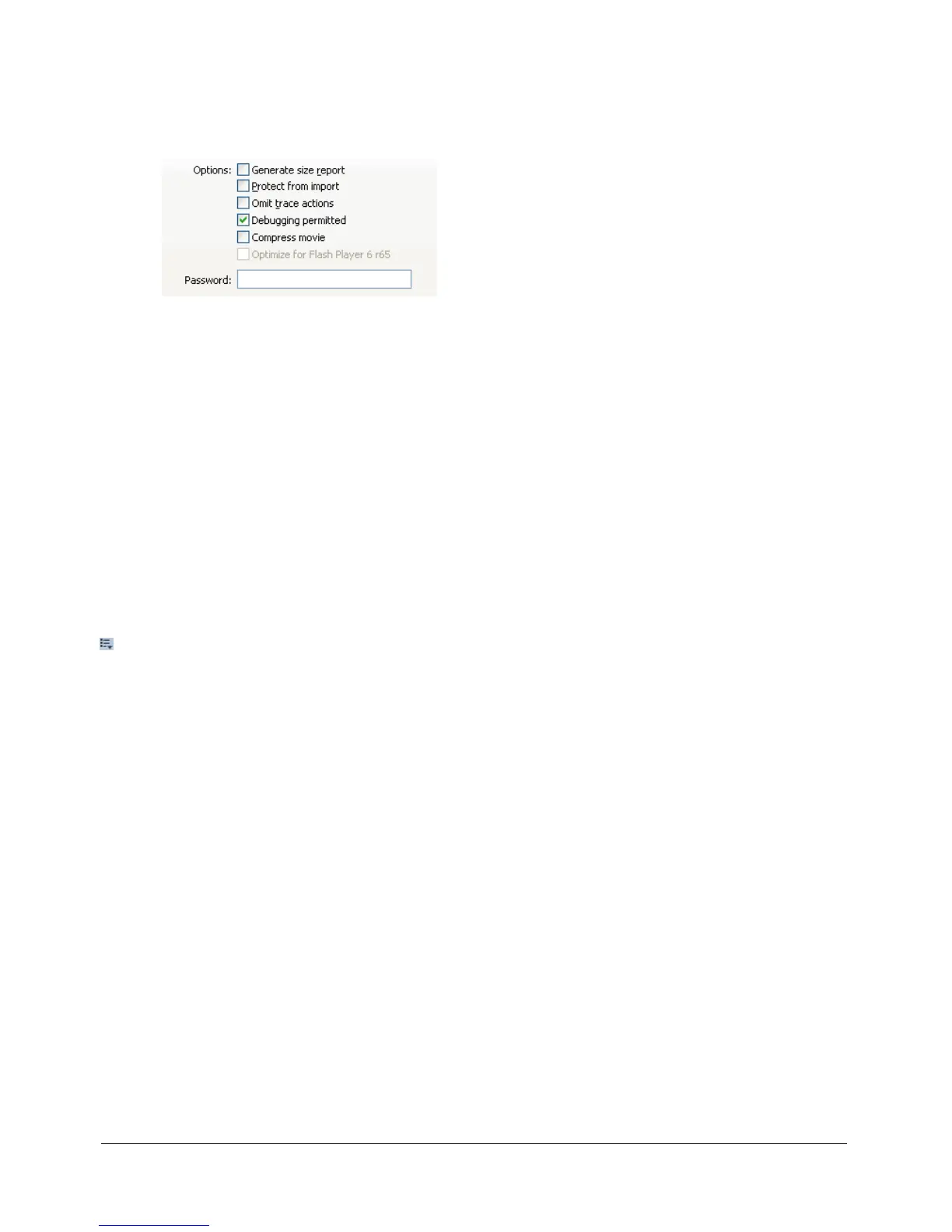
To enable remote debugging of a Flash movie:
1 Select File > Publish Settings.
2 On the Flash tab of the Publish Settings dialog box, select Debugging permitted.
3 To set a password, enter a password in the Password box.
After you set this password, no one can download information to the Debugger without the
password. However, if you leave the Password box blank, no password is required.
4 Close the Publish Settings dialog box, and select one of the following commands:
■ Control > Debug Movie
■ File > Export Movie
■ File > Publish Settings > Publish
Flash creates a debugging file with the .swd extension and saves it alongside the SWF file. The
SWD file contains information that allows you to use breakpoints and step through code.
5 Place the SWD file in the same directory as the SWF file on the server.
If the SWD file is not in the same directory as the SWF file, you can still debug remotely, but
the Debugger ignores breakpoints and you can’t step through code.
6 In Flash, select Window > Development Panels > Debugger.
• In the Debugger, select Enable Remote Debugging from the Options pop-up menu (at the
upper right of the panel).



 To Next Page